How to force the chatbot to pause after displaying something.
1. Use
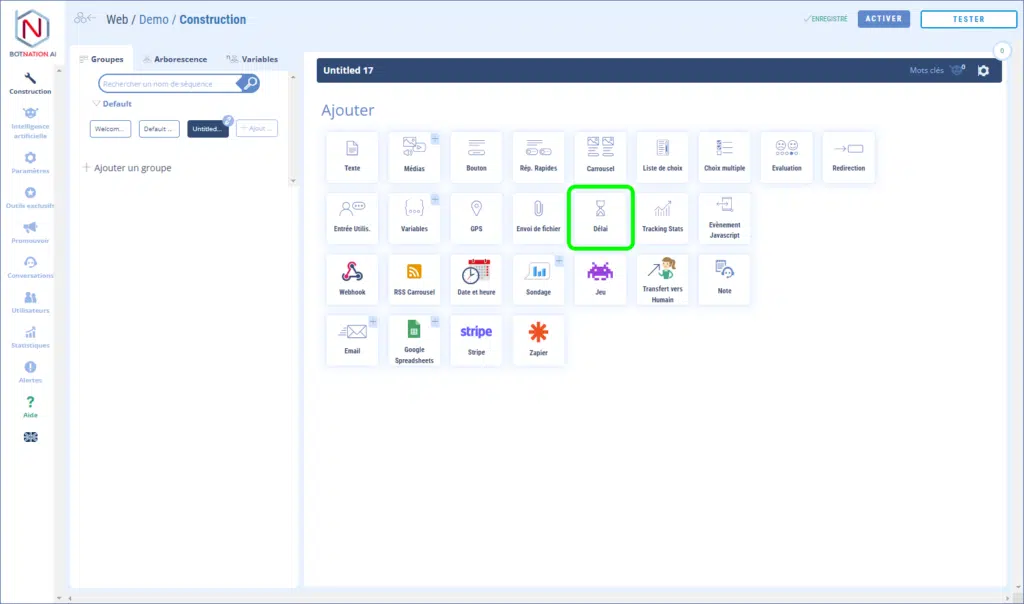
Among the construction functions, click on “Delays”.
Drag the slider to select the delay time.
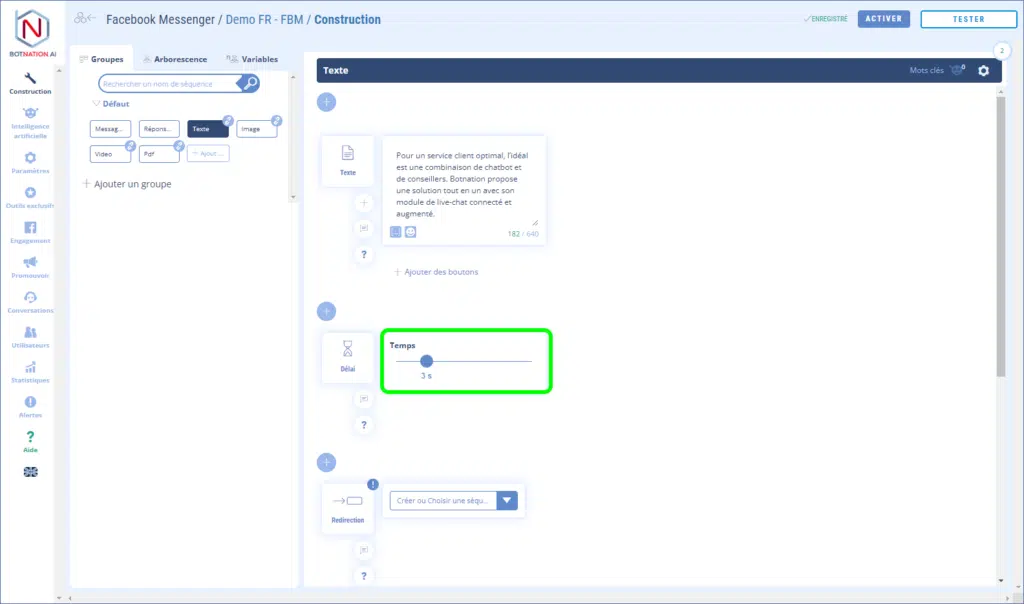
In the example above, the chatbot will display the text, pause for 3 seconds and then display the sequence chosen for the redirection.
2. Options
A – You can leave your colleagues a comment about this feature by clicking on the icon (see below).
See article : Adding comments
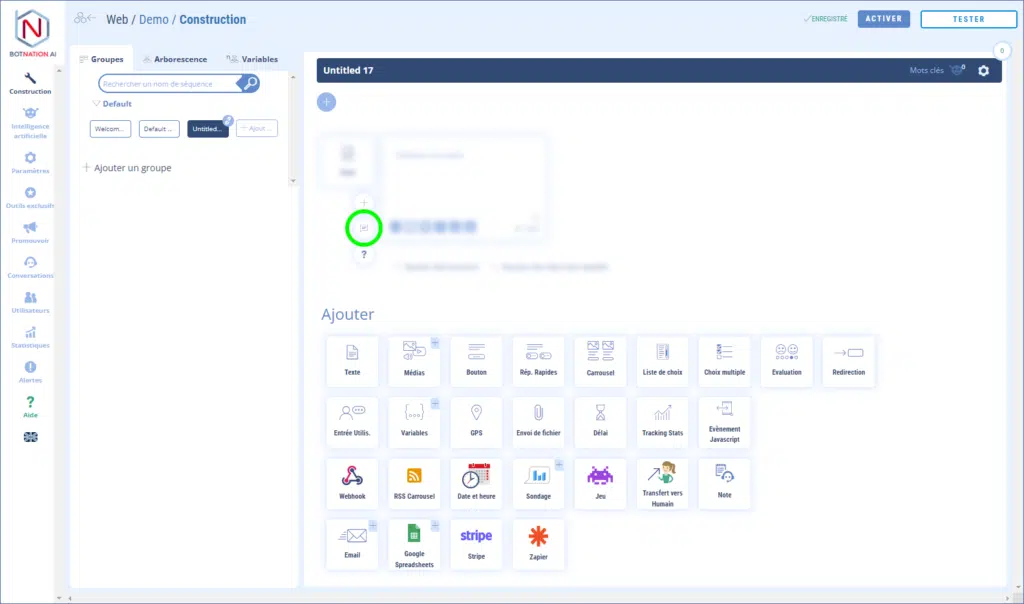
B – By clicking on the “?” icon, the online help will open on the article corresponding to this feature.
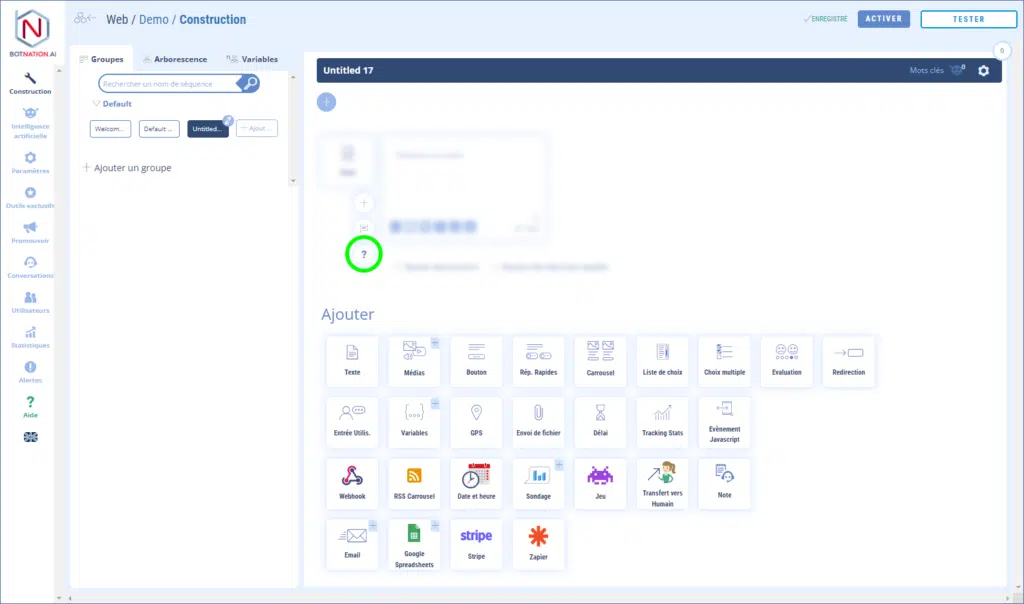
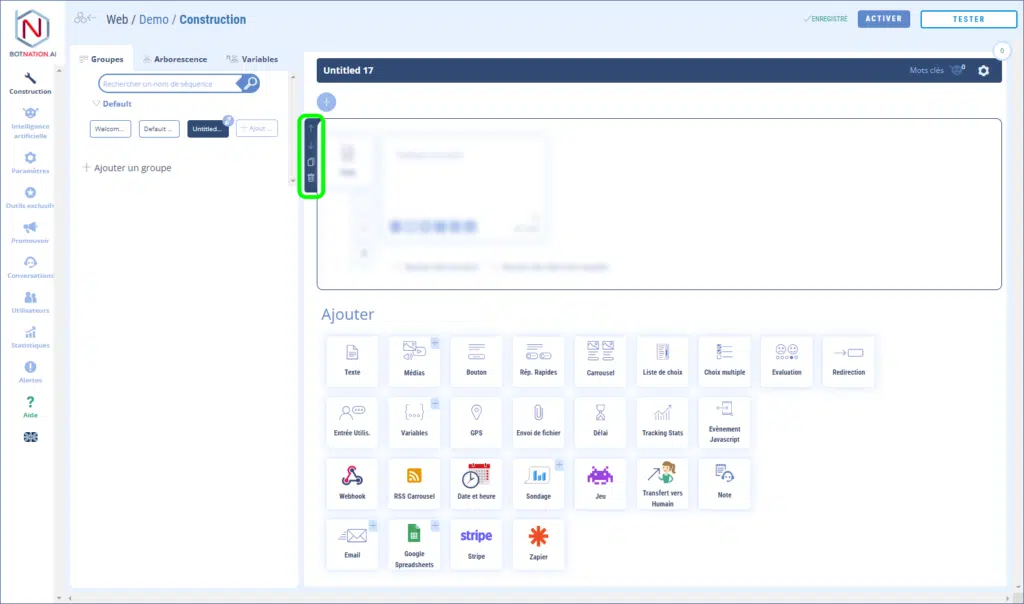
C – You can duplicate, delete or move this feature by using the icons that appear when you hover over it.