You want to add a carousel to your chatbot
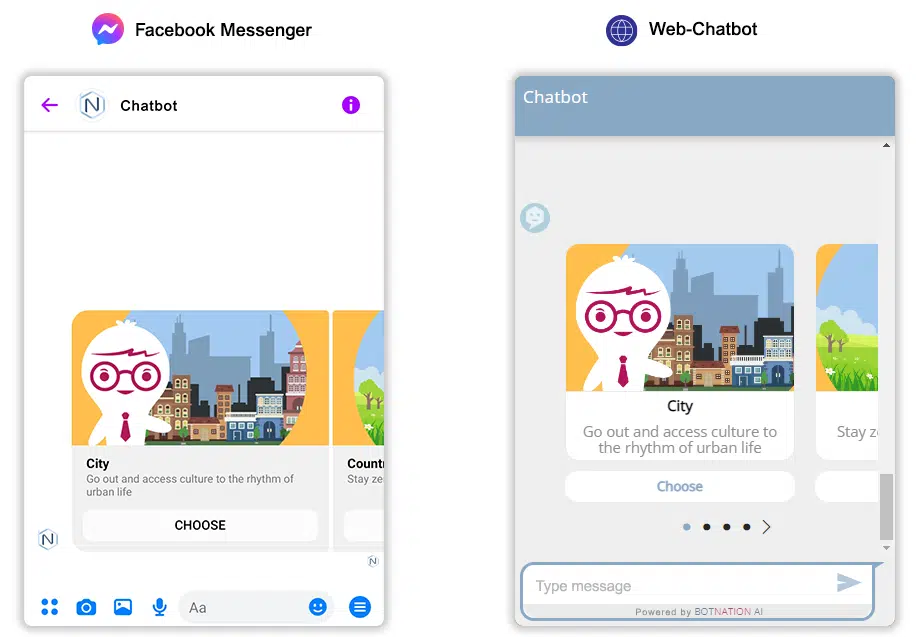
1. Use
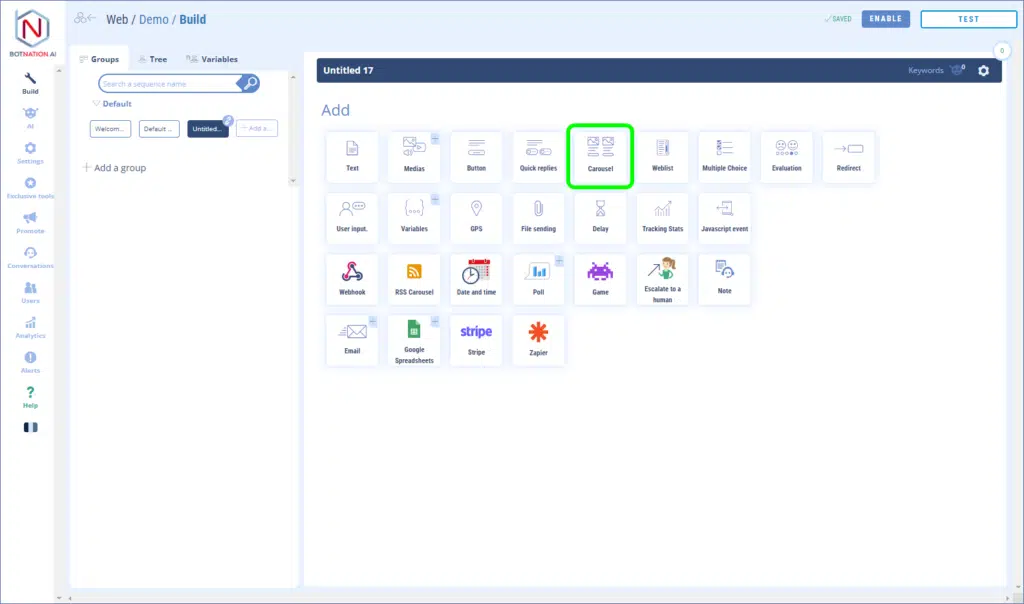
Among the construction features, click on “Carousel”.
The carousel contains images, a title, a subtitle and 3 action buttons (see the articles Add buttons (Messenger) and Add buttons (Chatbot Web)). Your users can scroll through the carousel cards by dragging them on their mobile, tablet or by clicking on the arrows on their computer < >.
Titles and subtitles are limited to 80 characters.
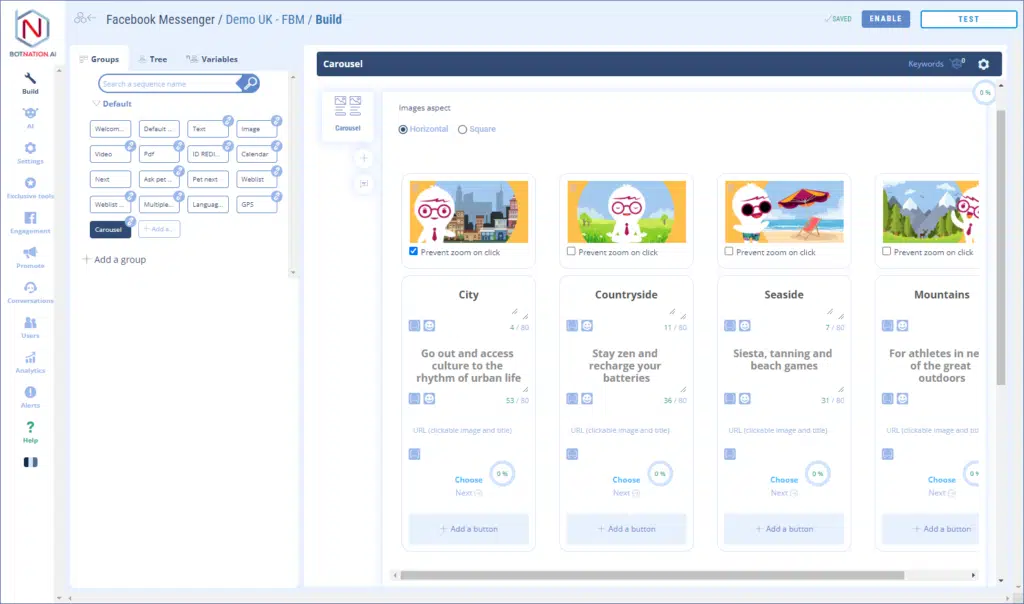
For the images you can choose between two formats; square or rectangular.
When you drag and drop an image, we now offer a tool that allows you to resize and crop your image to fit the format expected by the target platform:
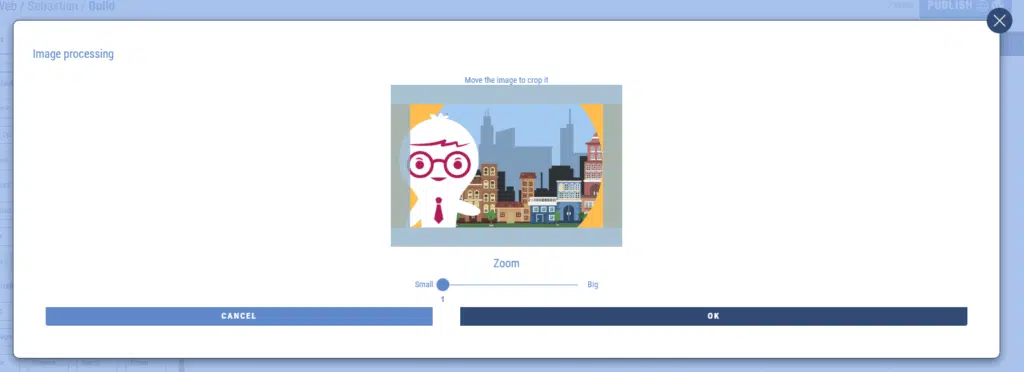
Just move the image inside the frame to choose the part that will be displayed in the carousel. You also have the possibility to zoom in.