How to redirect your chatbot from one sequence to another.
1. Use
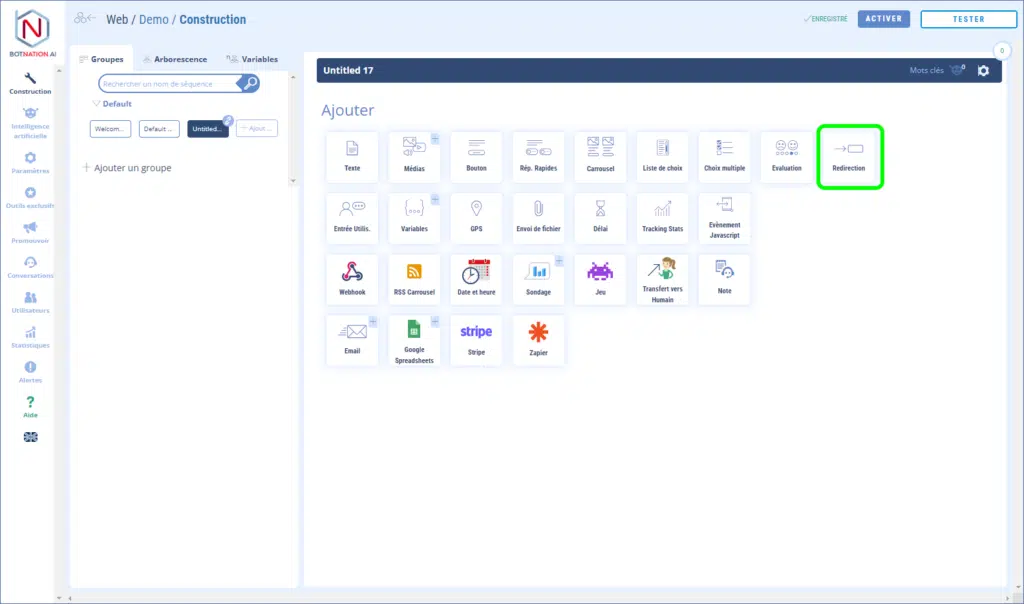
Among the construction functions, click on “Redirection”.
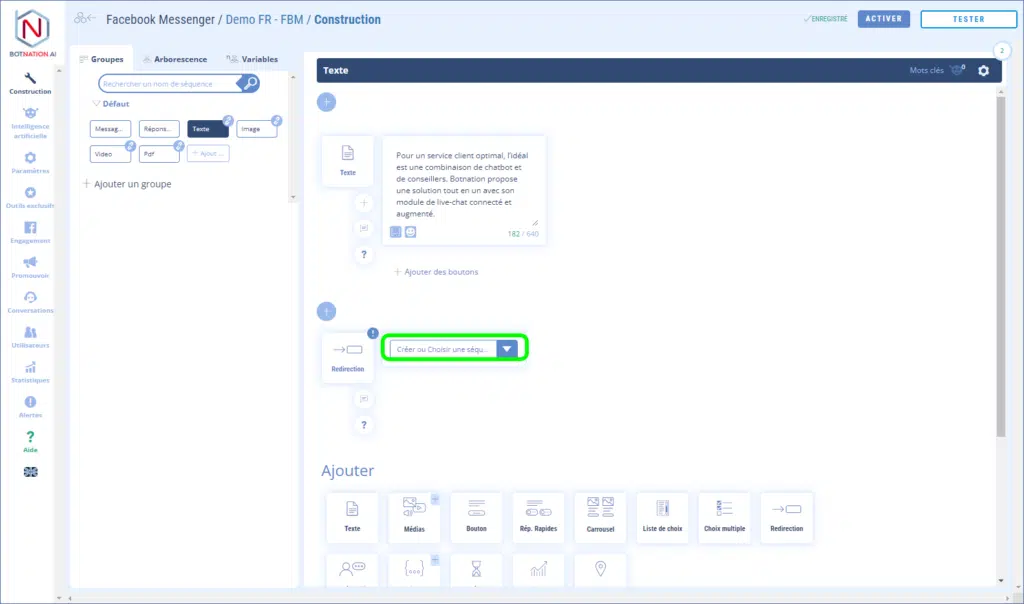
Choose the sequence to which the chatbot will be redirected from the drop-down menu.
In this menu, sequences are sorted by Group and alphabetically.
ATTENTION
This feature can only be placed at the end of a sequence.
2. Options
A – You can leave your colleagues a comment about this feature by clicking on the icon (see below).
See article : Adding comments
B – By clicking on the “?” icon, the online help will open on the article corresponding to this feature.