In short
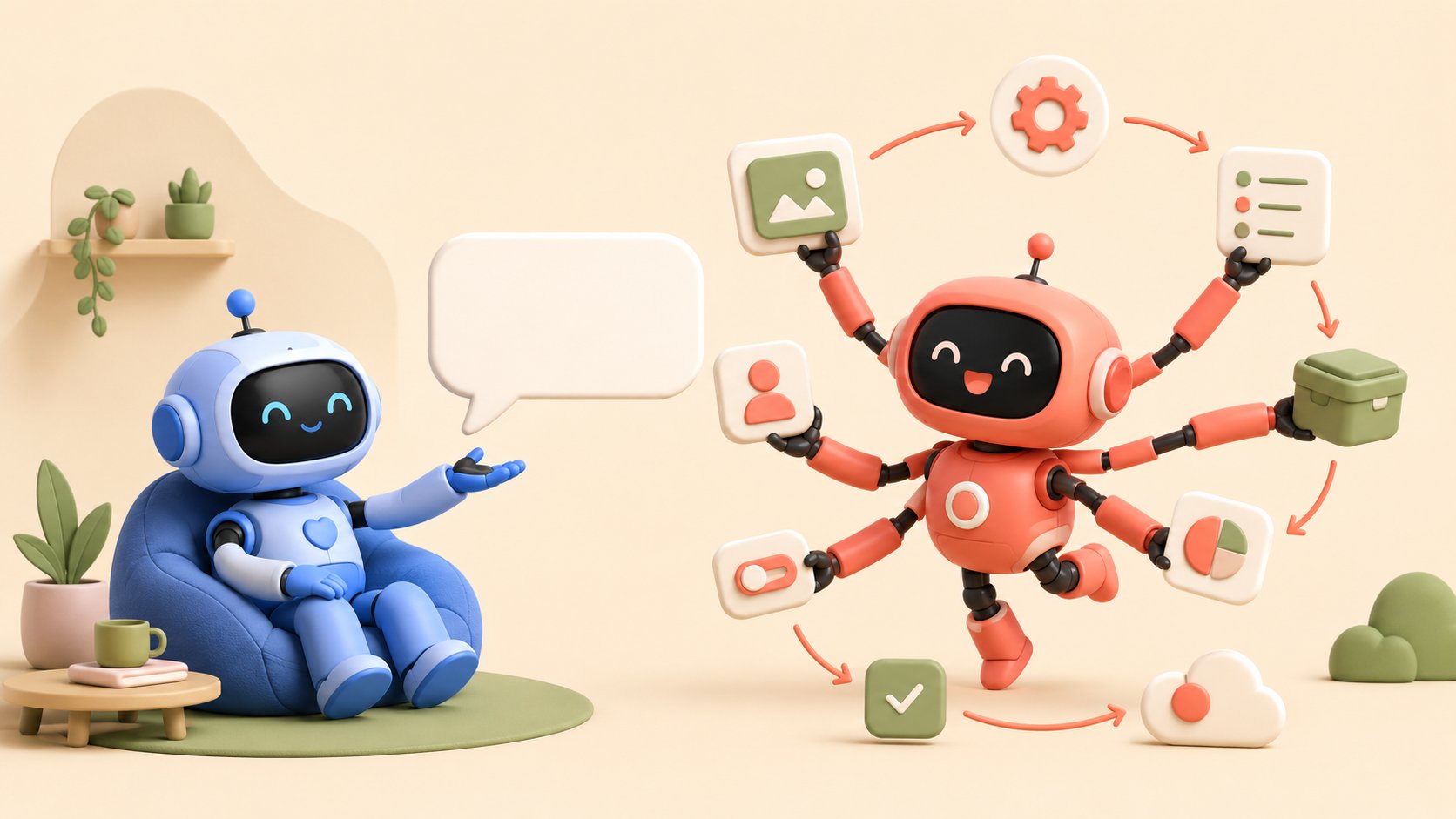
An AI assistant helps you do the work: it answers, writes, summarizes, but you are the one who decides and acts. An AI agent does the work for you: you hand it a goal, it plans the steps, makes decisions and takes action inside your tools, on its own.
The real dividing line is not how “powerful” the AI is, it is the level of autonomy and the ability to act. This article gives you the definitions, a comparison table, a simple test, real business examples and a short quiz to work out which one you need.
“AI agent,” “AI assistant,” “copilot”: since generative AI arrived, these words get thrown around as synonyms. They are not. Behind the marketing vocabulary sits a real technical difference, and it changes everything when the time comes to pick a tool for your business. Confuse the two and you risk paying for an autonomous agent when an assistant would have done the job, or expecting an assistant to run a process end to end that it has no way to drive.
Here is a clear framework so you never mix them up again, and can decide with your eyes open.
What’s inside
AI assistant and AI agent: the definitions
To get the distinction straight, keep one formula in mind: the assistant is about “helping you do”, the agent about “doing it for you”. The first hands you information or produces content; the second carries out a mission.
What is an AI assistant?
Definition
An AI assistant is an application built on a large language model that answers your requests and helps you produce: draft an email, summarize a document, analyze a spreadsheet. It is reactive: it waits for your instructions and starts nothing unless it is asked.
An assistant is more than the language model: it plugs that model into your context. Tools like Copilot in Microsoft 365 or Gemini in Google Workspace reach into your email, your files and your calendar, usually through a technique called RAG (retrieval-augmented generation). In practice, when you ask “summarize my last exchanges with this client,” the assistant goes and finds the information, condenses it and hands it back to you. The final decision and the final action stay yours.
It is a serious lift for individual productivity. But it stops at the edge of action: it gets the work ready, it does not close the loop on its own.
What is an AI agent?
Definition
An AI agent is an autonomous, proactive system built to reach a goal, not simply to answer. You give it an objective; it breaks the mission into steps, makes decisions, interacts with its environment (applications, APIs, databases) and takes action until the result is there.
Ask an agent to “qualify the new leads and send them the documentation”: it reads the incoming requests, scores each lead, creates the record in your CRM, sends the right message and schedules a follow-up, without coming back to you at every step. Where the assistant suggests, the agent acts.
That autonomy has a name: agentic AI. According to Google Cloud, what separates the two families comes down to autonomy: agents operate and make decisions independently to reach a goal, while assistants need user input and instructions.
AI agent vs AI assistant: 5 key differences
The border can be drawn along five dimensions: the goal, autonomy, initiative, memory and, the decisive one, the ability to take action. The table below adds the classic scripted chatbot, so you can place all three generations of conversational tools side by side.
| Criterion | Scripted chatbot | AI assistant | AI agent |
|---|---|---|---|
| Goal | Answer the questions it was set up for (FAQ) | Help you produce (write, summarize, analyze) | Reach a goal end to end |
| Autonomy | None: follows a script | Low: runs the instruction you give it | High: plans and decides on its own |
| Initiative | Reactive | Reactive (waits to be asked) | Proactive (triggers the actions) |
| Memory and context | Very limited | Good: reaches your data | Extended: keeps track across a workflow |
| Takes action? | No | Rarely: it suggests, you execute | Yes: acts on your tools, APIs, CRM |
| Example | “What are your opening hours?” | “Summarize this contract in 5 points” | “Qualify this lead and create its CRM record” |
| Best for | Simple FAQs | Individual productivity | Automating whole processes |
The row that matters most is “takes action?”. That is what separates a tool that saves you time from a tool that takes the work off your hands.
The simple test to tell them apart
The 24-hour test
Let the system run for 24 hours with zero human input. Did it produce concrete effects in the real world (a lead recorded, an order processed, an appointment booked)? If it did, it is an agent. If all it did was wait for your next question, it is an assistant.
This test cuts through the vocabulary debate. The product name on the box does not matter: what counts is whether the tool acts on its own or helps you act.
Where does the AI copilot fit in?
The word “copilot” adds to the confusion, because it actually describes a type of assistant. IBM frames it well: an AI copilot is an assistant that helps you move faster, but you are the one flying the plane. It lives inside a piece of software (your office suite, your IDE, your CRM) and offers suggestions as you work.
So you can picture a continuum in three steps:
- The AI assistant: reactive and general purpose. You ask, it answers.
- The AI copilot: a proactive assistant, embedded in a tool, that suggests things while you work. You keep the wheel.
- The AI agent: autonomous. You set the goal, it runs the chain of actions.
Assistants and copilots stay on the help side of the line; only the agent crosses over into autonomous action.
3 real business examples
The theory gets obvious once you put it on real cases. For each scenario, here is what an assistant would do, then what an agent would do.
Customer support
After-sales
A customer reports that their order never showed up.
Lead generation
Marketing & sales
A visitor shows interest in an offer on your site.
E-commerce
Online retail
A shopper is torn between two products.
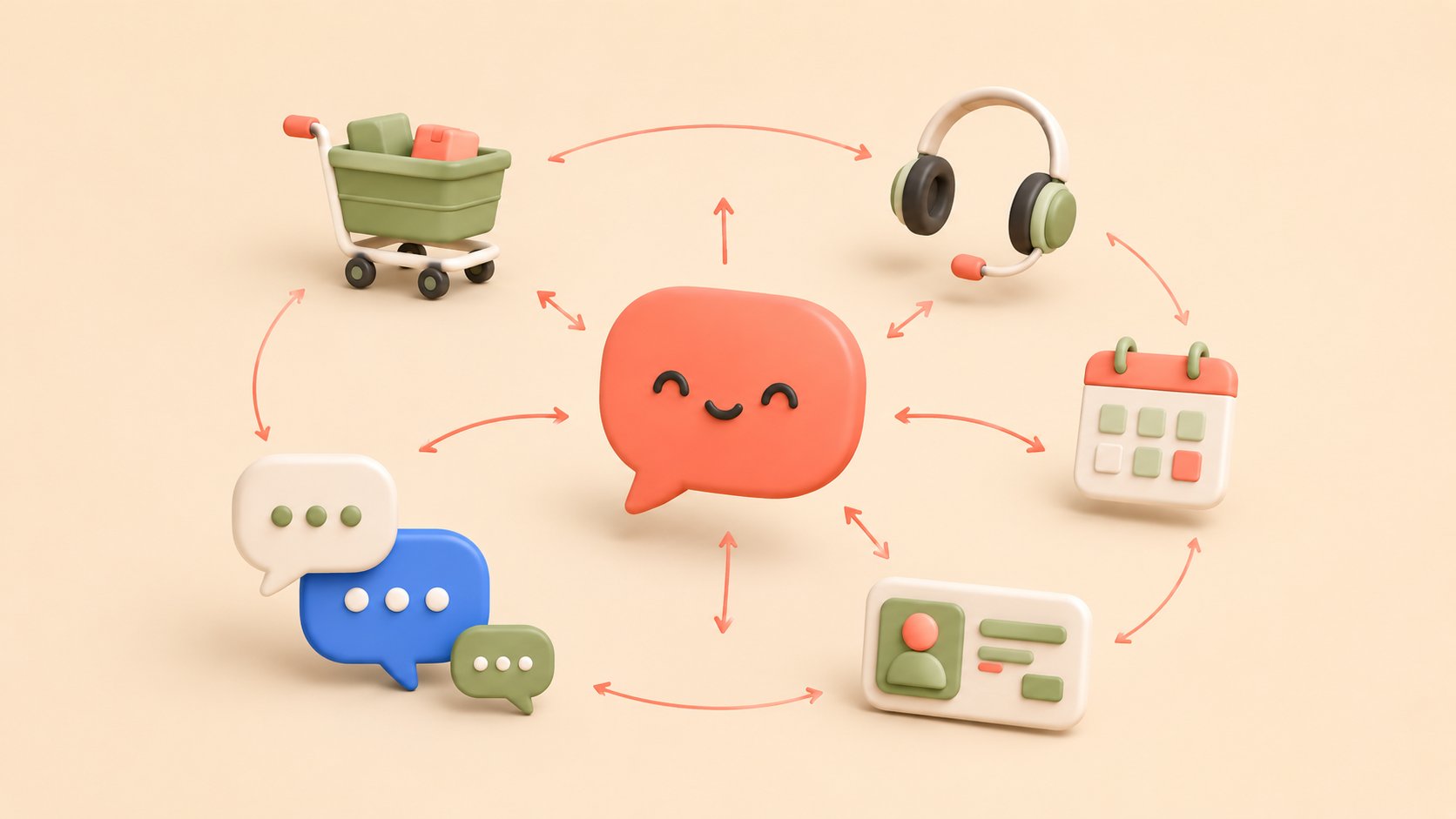
In all three cases, the assistant prepares and the agent closes. That is exactly what separates a productivity tool from a genuine digital coworker. Agents for customer support, lead generation or e-commerce all rest on that ability to act, not just to answer.
Quiz: agent or assistant?
Four questions to find out what your project actually needs. Answer on instinct, the verdict shows up at the bottom.
1. What do you mainly expect from the tool?
2. Should it act without you approving every step?
3. Does it need to connect to your tools (CRM, inventory, inbox)?
4. Does it need to run 24/7 in front of your customers?
An AI assistant is the better fit
Your need is about productivity: saving time on writing, synthesis and analysis while keeping the decision for yourself. An assistant, or a copilot embedded in the tools you already use, will do the job. You can always step up to an agent later.
A hybrid profile
You want help producing and a bit of autonomy. Start with a simple conversational agent on one narrow case (FAQ, lead qualification), then widen what it is allowed to do as trust builds.
You need an AI agent
You are after a tool that acts on its own, wired into your systems and available around the clock for your customers. That is exactly the job of a conversational agent. A no-code platform like Botnation lets you ship one without writing code.
Limits and precautions
An agent’s autonomy is a strength, but it needs a frame. The more a system acts alone, the faster a mistake spreads. Gartner expects more than 40% of AI agent projects to be scrapped by the end of 2027, often for lack of scoping, clear value or guardrails. A few principles to stay out of that trap:
Watch out for
Give the agent a defined scope of action and clear limits (amounts, types of action). Keep a human in the loop on sensitive decisions, log everything it does, and start on one narrow use case before you widen it.
The right instinct: do not aim for the all-powerful agent on day one. A well-tuned assistant often delivers more immediate value than a badly scoped agent. The question is not “which one is more advanced?” but “which one solves my problem?”.
Moving to an AI agent without coding
Building a conversational agent no longer takes a team of developers. No-code platforms let you design, test and deploy an agent that talks and acts, in a handful of steps.
- Set the goal Pick one specific case: qualifying leads, handling support, guiding a purchase.
- Build the flow by drag and drop Assemble the conversation steps and the actions, without writing code.
- Connect your tools Wire the agent to your CRM, your catalog, your inbox so it can actually act.
- Deploy on your channels Website, WhatsApp, Messenger, Instagram, SMS: one agent, everywhere your customers are.
- Measure and optimize Track conversations and conversions, adjust as you go.
That is exactly the approach behind Botnation: a French, GDPR-compliant platform for building conversational agents that go further than a plain chatbot. Natural language understanding, a connection to your data and multichannel deployment mean the agent qualifies a lead, handles a request or supports a sale, around the clock. From a simple FAQ to an agent that acts, you move at your own pace.
Deploy your AI agent in minutes
Go from the assistant that advises to the agent that acts. Build a conversational agent connected to your tools and your channels for free, without writing a line of code.
FAQ
What is the difference between an AI agent and an AI assistant?
An AI assistant helps you get a task done: it answers, writes and summarizes, but you are the one who acts. An AI agent pursues a goal autonomously: it plans, decides and carries out actions inside your tools without approval at every step. The difference comes down to the level of autonomy and the ability to take action.
Is an AI agent the same thing as an AI assistant?
No. They are two separate categories. The assistant is reactive and stays a support tool; the agent is proactive and autonomous. An assistant can be part of an agent (to understand and phrase things), but an agent adds planning and action, which an assistant on its own does not do.
What is the difference between an AI assistant and an AI copilot?
A copilot is a type of assistant: it is embedded in a piece of software and suggests actions while you work, but you stay in control. The classic assistant answers your requests; the copilot anticipates inside your workflow. Neither one acts in full autonomy, and that is what makes an agent an agent.
What is an AI assistant?
An AI assistant is an application built on a language model and connected to your context (email, files, calendar) that answers your requests and helps you produce content or analyze information. It is reactive: it acts on instruction and starts nothing by itself.
Is a chatbot an AI agent?
Not necessarily. A scripted chatbot follows predefined rules and only answers: it is the ancestor of the assistant. A conversational agent, on the other hand, understands natural language and can trigger actions (create a record, check stock, book an appointment). So it depends on what the chatbot is able to do: answer only, or act.
Do you have to choose between the two?
Not really. Plenty of companies start with an assistant, or a simple agent on one narrow case, then widen its range of actions as trust and results build up. What matters is starting from the problem you need to solve, not from the most impressive technology.
The bottom line
Assistants and agents are not opposites: they sit at two points on the same autonomy scale. The assistant helps you think and produce; the agent acts in your place to reach a result. The right choice comes down to one question: do you want a tool that saves you time, or a digital coworker that takes the work on? For a lot of companies, the real shift happens on the customer side, where a conversational agent answers and acts, continuously.