It’s important to understand that the customer experience has become central to any successful strategy. In other words, to improve your company’s performance, you need to improve your customers’ satisfaction. Today, it’s necessary to offer convenient contact options so that consumers can make their purchases with ease. If you think about it, having a chatbot on WhatsApp could be a great solution. After all, the application is one of the most popular in France and around the world. Is it possible to create a WhatsApp chatbot without coding (no code)? Continue reading this blog post and learn more about the potential of the innovative WhatsApp chatbot.
The preliminary phase in creating a WhatsApp chatbot
First of all, you need to obtain theWhatsApp Business API, which is the official WhatsApp solution. From there, simply follow the steps below.
Know your target audience
At first glance, the chatbot for WhatsApp has the ability to perform a variety of tasks and resolve your customers’ most common queries. In other words, it sends the right message, at the right time, to the right person. However, the bot needs to be well planned and developed, based on customer information such as:
- The language type of your target audience;
- Customer needs and habits;
- Customer service history ;
- Demographics;
- Geolocation.
This way, you can create effective customer service strategies via WhatsApp chatbot.
Define your WhatsApp chatbot strategy
Above all, it’s the strategic role you choose that will define the direction of your WhatsApp chatbot’s interactions. So set a goal. Will the bot be used to qualify prospects? To answer FAQs? In short, your strategy needs to be developed with two things in mind: the problems to be solved by the chatbot, and the chatbot features that can help solve that problem.
WhatsApp chatbot design (without coding)
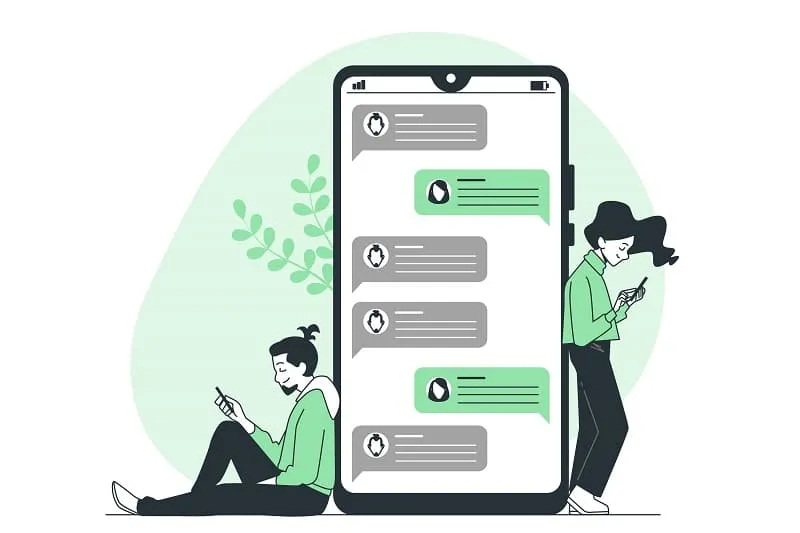
Once the strategy has been defined, design the interactions based on the customer information we have mentioned and answer the questions:
- What are customers’ main questions?
- How will the chatbot react when it doesn’t know the answer?
- Should the flow of conversation be free or guided?
- What is the most appropriate tone of language?
It’s possible to create a more natural dialogue with the answers you get. In addition, when designing the conversation flow, be sure to use the elements below.
The chatbot menu
First of all, it’s a must at the very beginning of the conversation, after the welcome greeting. In addition, the menu should be concise, direct and the items listed should be easy for the user to understand. In this way, people can choose between typing the item or the number corresponding to that option.
Frequently asked questions
Questions that generate “Yes” or “No” answers are an excellent way to understand the customer’s needs. After all, this way, everything becomes clearer, and it’s easier to take the conversation further. It’s important to remember that the user’s responses can have several variants, such as “ok”, “fine”, “I want”, “I’m not interested”, etc. In this sense, the chatbot needs to be trained by artificial intelligence to understand the different reactions.
Breaking the flow of conversation
Currently, chatbot errors are messages that seek to circumvent the situation, when the bot has no response. They must therefore be carefully formulated to keep the user in the conversation. Finally, it’s important to offer options for returning to the menu, redirecting to another flow or transferring to a human agent.
The tips
From now on, for consumers to interact seamlessly with the WhatsApp chatbot, it’s essential to provide tips during the conversation. See examples.
- Press Menu to see all the options again;
- Tap Home to return to the previous menu;
- If you’d prefer to chat with one of my human colleagues, just type “I want to talk to a human” at any time.
Other approaches are also available.
Create your chatbot without coding with Botnation
Once you’ve planned your chatbot’s requirements, you can move on to the design stage of the conversational agent. For this, the best solution is to delegate the work to an agency specialized in chatbot development, such as Botnation.
We can create the WhatsApp chatbot you want. If you want to create a WhatsApp chatbot, contact us now to tell us about your chatbot creation project.
Advantages of using a chatbot for WhatsApp
The chatbot for WhatsApp offers several advantages for replying to WhatsApp messages. In addition to being in the channel most used by customers, you’ll optimize your company’s service. Faced with difficulties in meeting high customer service demand, several companies have used an effective tool to build a chatbot to automate the process. The gains have exceeded expectations. All in all, the chatbot can :
- Reduce average service time by more than 30 minutes;
- Reduce response time by more than an hour;
- Increase conversion rate by 20% ;
- Answering 100% of the questions asked via WhatsApp.
A chatbot for WhatsApp is a vital tool for optimizing business performance. The process of creating it without coding is quite simple and convenient.
Want to create a WhatsApp chatbot? Contact us today to find out more about our conversational agent development solutions for WhatsApp Business API.