




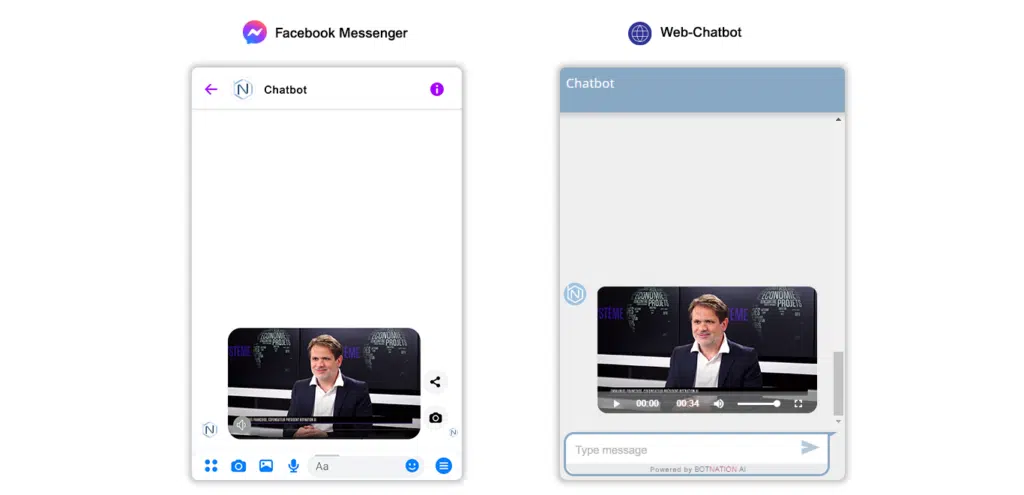
Easily add a video that will be displayed by your chatbot.
1. Use
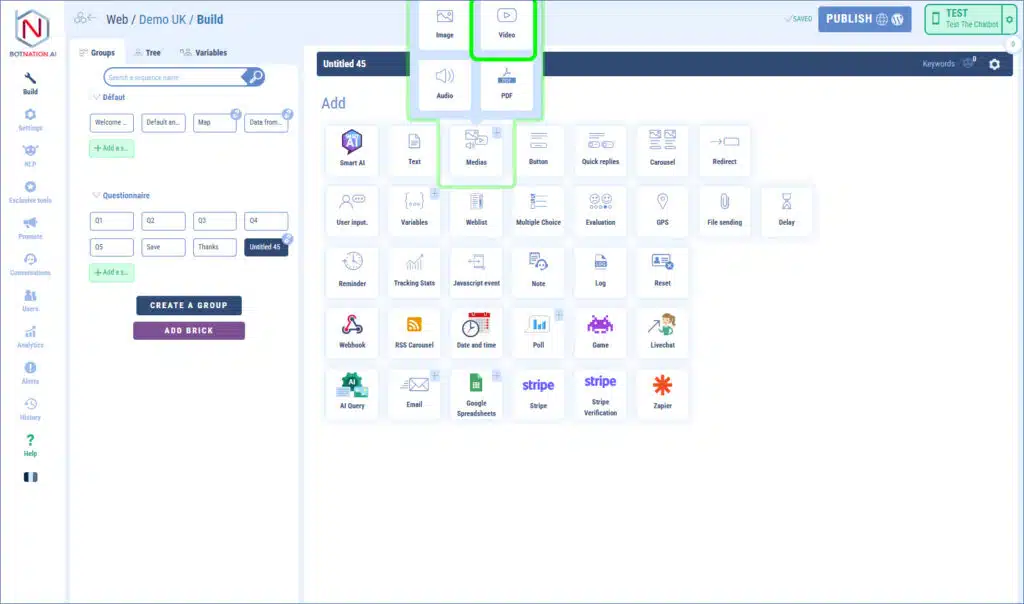
Among the building features, click on “Media” and then, in the menu that opens, click on “Video”.
To add a video you have several ways:
– by dragging and dropping the file directly onto the feature,
– by clicking which will open the file explorer of your computer,
– by entering a URL corresponding to an online video.
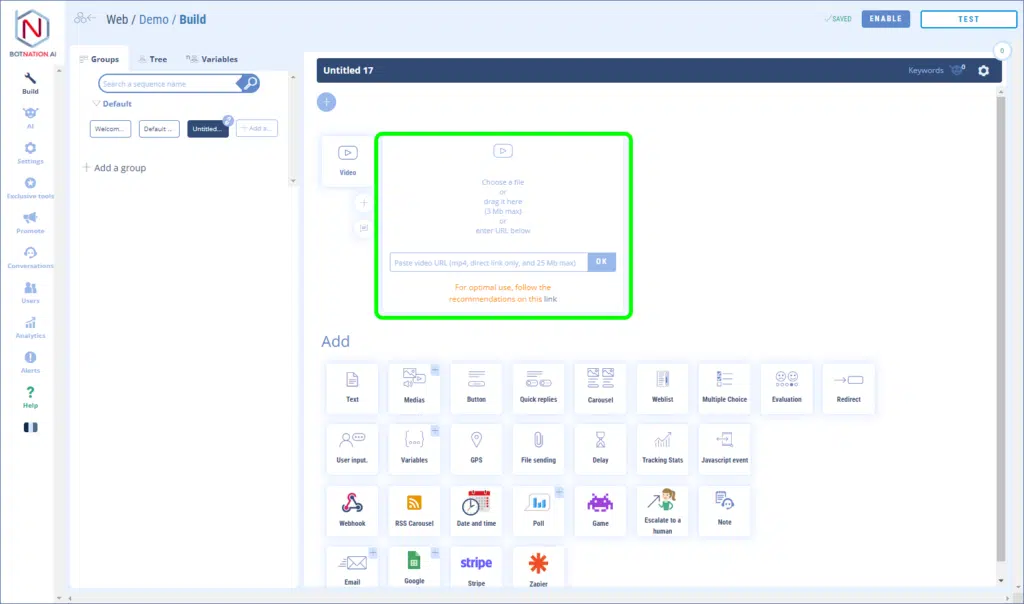
The format supported by our platform is MP4.
Botnation limits the size of the videos to 3MB if you import a video from your computer or 25MB if you import a video already online.
See the article: Recommendations for importing a video into your Chatbot
