




How to retrieve your users’ GPS coordinates
1. Use
With your chatbot you may want to know where your users are so you can offer them services, restaurants, etc. near their location. It is possible to geolocate with precision the users of your chatbot with our GPS functionality.
This feature is available :
- Either via the tool for adding buttons or quick replies:
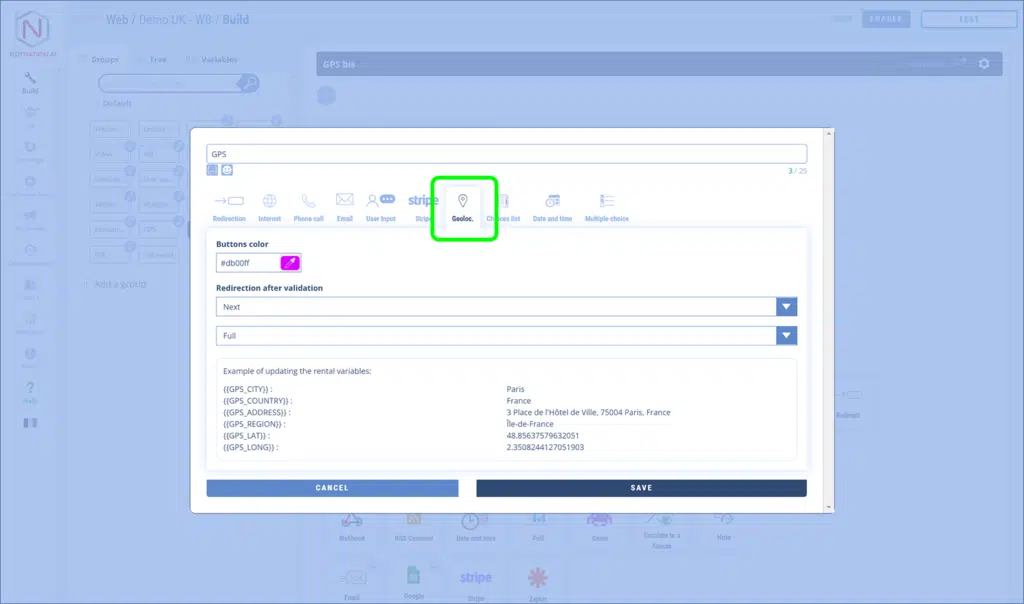
The behavior is then identical to the feature for Messenger. That is, the button opens a web page that displays a map.
- Either by a direct access in the Botnation construction interface among the features:
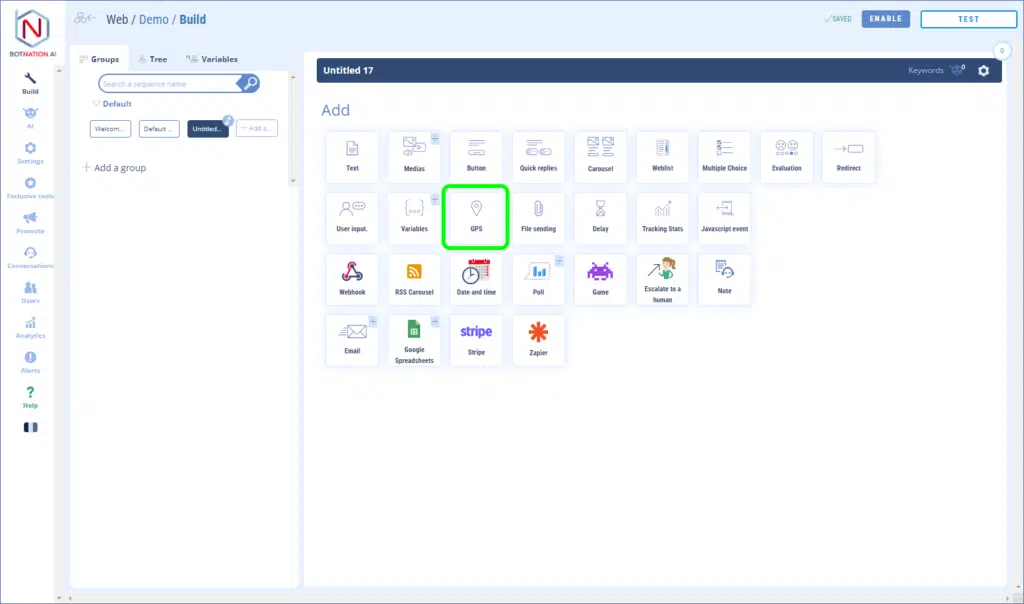
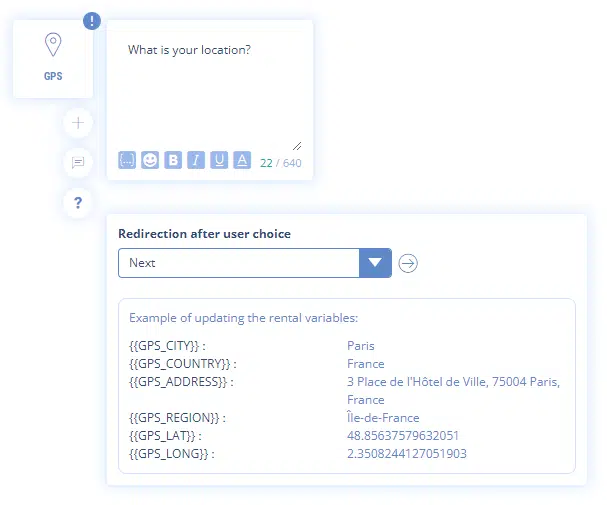
This adds the following feature:
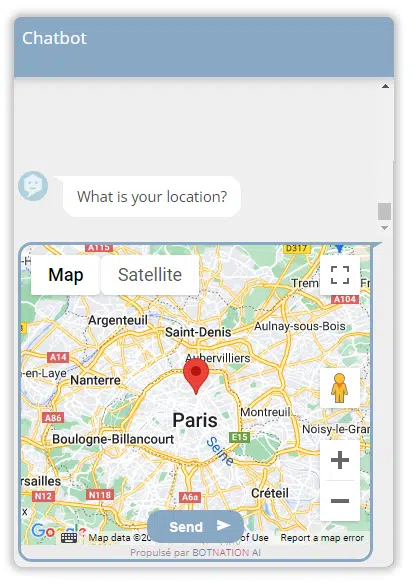
A map will appear in the conversation stream. The user will be able to zoom in/out the map, move the marker and validate its position by clicking on the “Send” button.
The following variables will be updated with the user’s details:
- {{GPS_CITY}} : the city
- {{GPS_COUNTRY}} : the country
- {{GPS_ADDRESS}} : the address
- {{GPS_REGION}} : the region
- {{GPS_LAT}} : the latitude
- {{GPS_LONG}} : the longitude
TIP
You can use these variables to determine the distance between two coordinates with our advanced GPS tools.
ATTENTION
Geolocation on a web chatbot is less accurate than on mobile. This means that the marker will not be perfectly placed by default when the map is loaded. Click to learn more.
