




Before creating your first WhatsApp chatbot on Botnation, there are a few things that need to be set up on the Meta side. This page summarizes everything you need to do to activate WhatsApp Business before getting started.
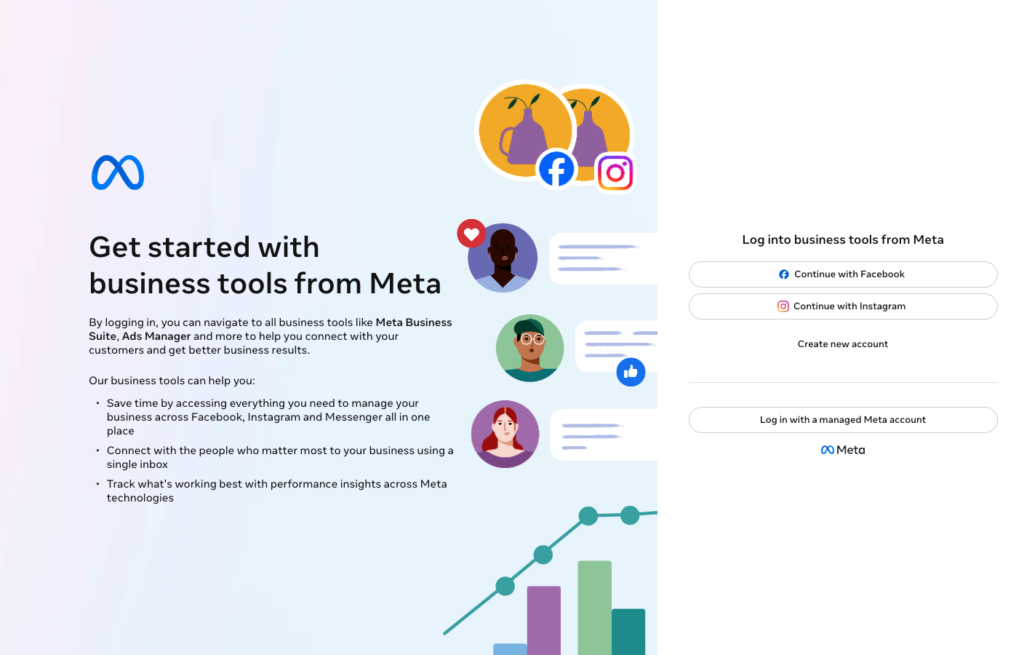
What do I need to use WhatsApp Business through Botnation?
To connect WhatsApp to Botnation, you’ll need:
- A Verified Meta Business Manager (formerly Facebook Business Manager)
- A phone number dedicated to WhatsApp Business: It must not already be linked to a personal WhatsApp account or a Business App account
- A Botnation account with a subscription that includes the WhatsApp channel
Tip
You can use a landline or cell phone number, as long as it can receive a text message or voice call for Meta verification.
What is the difference between the WhatsApp Business app and the WhatsApp Business API?
These are two very distinct products:
WhatsApp Business App: a free app designed for very small businesses. It is manual, limited to a single user, and does not support automation.
WhatsApp Business API (WABA): the business solution used by Botnation. It allows you to automate conversations, send proactive messages at scale, and integrate with your CRM or business tools.
Botnation relies exclusively on the WhatsApp Business API to provide you with comprehensive automation features.
Can I use my personal WhatsApp number?
No. The phone number associated with your Botnation WhatsApp bot must not be active on WhatsApp at the time of login. If your number is already in use on WhatsApp (either the personal or Business app), you’ll need to first delete the associated account from the app.
Tip
If you want to keep your personal number on WhatsApp, we recommend using a dedicated number for your bot (landline, virtual number, etc.).
Does my Meta Business Manager account need to be verified?
Yes. Meta requires your business to be verified in order to access the WhatsApp Business API. This verification is done through Meta Business Manager under Settings > Security Center.
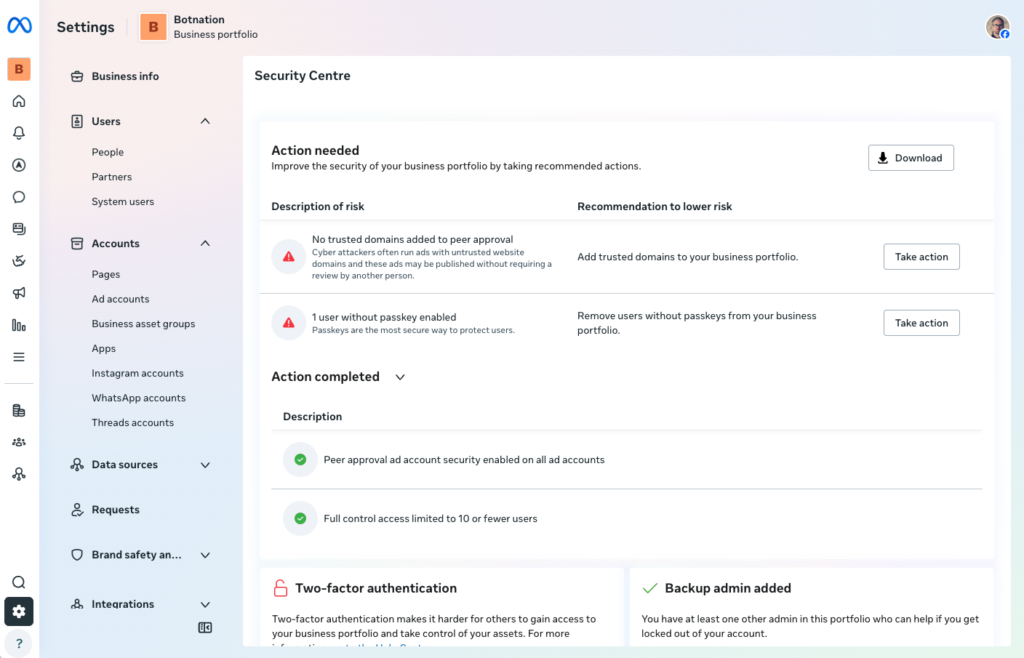
The documents typically required are: a Kbis extract, proof of address in the company’s name, or any official document attesting to the legal existence of your organization.
GOOD TO KNOW
The Meta verification process can take anywhere from 24 hours to several business days. Plan for this step before setting up your bot on Botnation.
Summary of Prerequisites
Before you get started, make sure you have:
- ✅ An active and verified Meta Business Manager account
- ✅ A phone number that isn’t used on WhatsApp
- ✅ A Botnation subscription with access to the WhatsApp channel
- ✅ Administrator permissions on your Meta Business Manager account


