Of the 300,000 ChatBots created on Messenger, the vast majority offer a poor and disappointing user experience.
This is because it’s still a young medium and, logically, most ChatBot creators lack experience.
The BOTNATION team, which has been present since the emergence of this conversational revolution, has decided to share with you a list of best practices that will make interactions with your ChatBot more effective.
1. Take care of your chatbot’s appearance
After all, first impressions are important! The more your chatbot matches your image and is clear, the more users will want to stay on it.
Don’t hide the fact that your ChatBot is a ChatBot
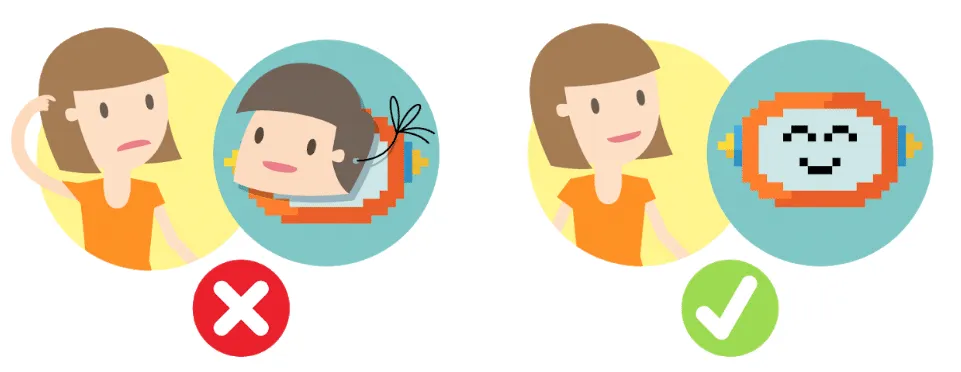
Despite artificial intelligence’s advances in natural language, a chatbot will never match a conversation with a human.
If you make the user believe he’s talking to a real person, he’ll expect a degree of interaction and reasoning that’s impossible, for the moment, to achieve.
Your users will be far more forgiving than with a human. And knowing that they’re interacting with a robot gives them a certain distance – an emotional distance – that encourages both quality and quantity of exchanges.
Tip: Avoid choosing a human Avatar to represent your ChatBot.
Give your ChatBot a personality
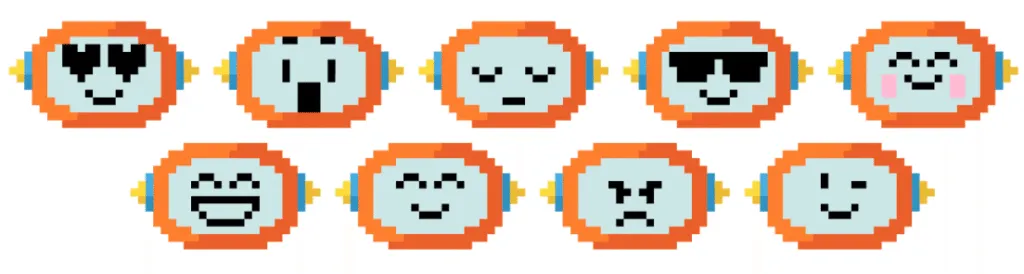
This may seem to conflict with the previous tip, but just because
isn’t human doesn’t mean your ChatBot should express itself like a robot.
The personality of your ChatBot is a determining factor in the conviviality of conversational exchanges.
Ask yourself whether you should be addressed in formal or informal terms, what level of language you should use, what vocabulary is specific to your job, and what your avatar should look like.
Tip: Your ChatBot must be consistent with your image and your other communication media.
2. Define the chatbot’s content
Now it’s time to get serious! Now that your chatbot has an appearance, you need to give it content and consistency. Its area of expertise, its name and the questions/answers it asks will ensure that its functionalities are put to good use.
Specify your ChatBot’s area of expertise from the outset
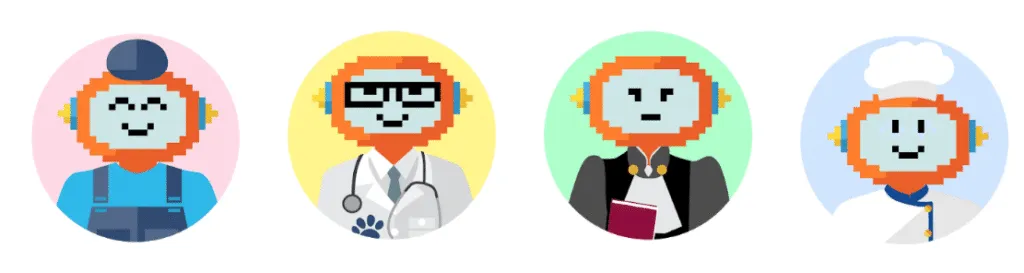
Your ChatBot must meet a user need; whether it’s customer service, a reservation platform or simply providing practical information about your restaurant. From the very start of the conversation, the user needs to understand what he can expect from your ChatBot.
If users ask off-topic questions, they’ll better understand why the ChatBot can’t answer them.
Tip: The name of your ChatBot can already give an indication of the service it will provide.
Deal with your users’ errors in an educational way
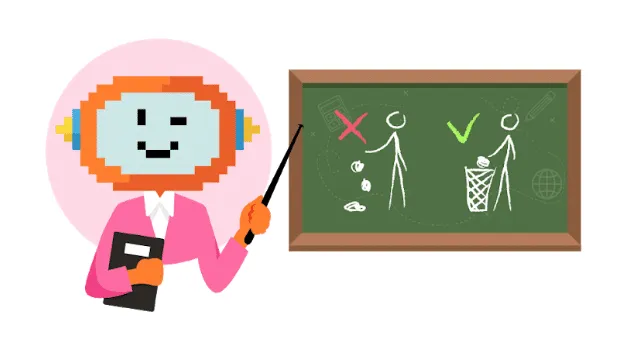
When your chatbot’s user makes a mistake, you need to put them back on the right track by explaining how to avoid making the same mistake again.
Just as in a traditional conversation, your ChatBot must accompany and guide the user gently. Anticipate your users’ mistakes as best you can, and plan appropriate responses.
Tip: Don’t hesitate to consult the “recommendations” section in Botnation’s A.I. menu on a daily basis, which will provide you with a real-time report of your users’ unfulfilled requests.
Include a “Help/FAQ” section
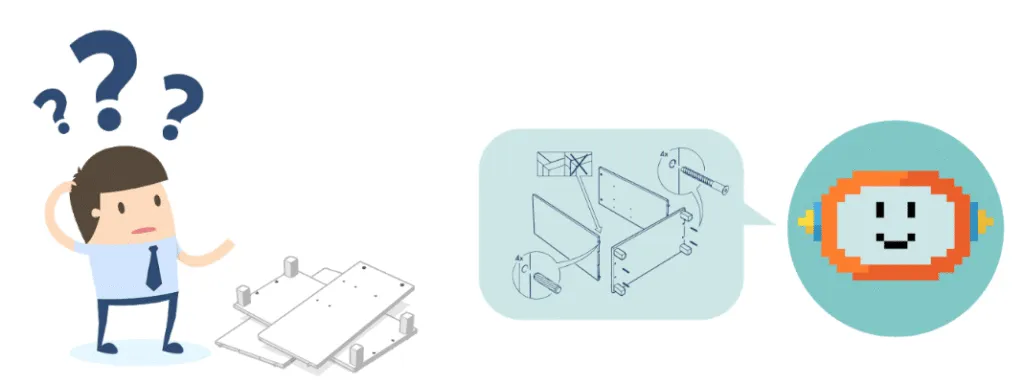
What we’re talking about here is providing help on how to use your ChatBot. This doesn’t apply to all ChatBots, but for the more complex ones it’s essential.
Don’t forget to enter lots of keywords to anticipate user questions, and add more using the recommendation algorithm, and associate the keyword(s) “help” and/or “FAQ” with this section and include it in the persistent menu.
Tip: If you have a long list of Questions/Answers, use Botnation’s“Choice List” feature, which is more ergonomic, or follow this tutorial to transform your FAQ into a Chatbot.
3. Beyond appearance
Your chatbot is beautiful and knows how to talk – perfect! Now let’s work on its eloquence and its ability to respond effectively, without going round in circles.
Avoid monologues
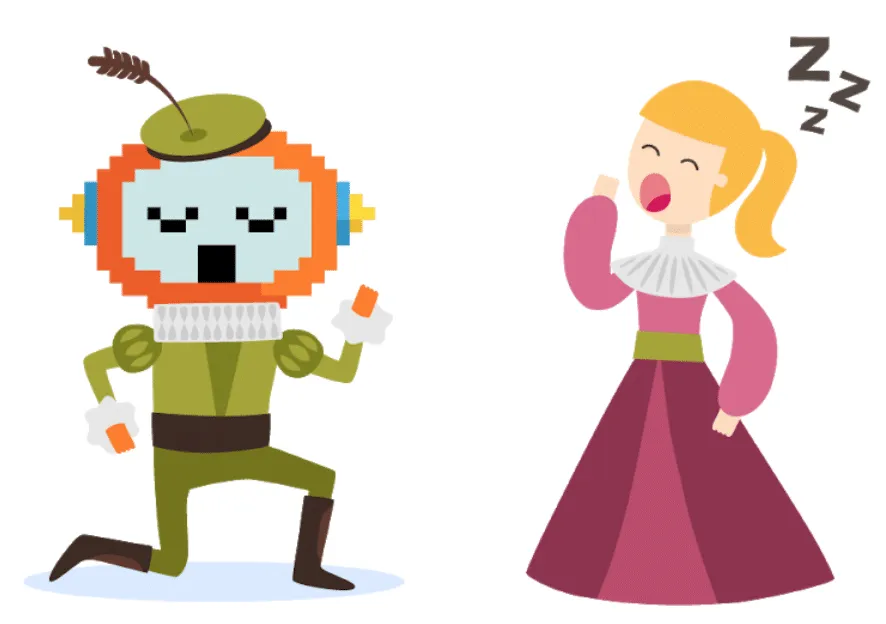
Keep your texts short. Instant messaging is not the place to read long texts.
You can divide your content into several dialogs, each with a delay, but this is not ideal. Prefer a breakdown with interactions such as “Next” buttons (without forgetting to give the user the possibility of cutting off the ChatBot with a “Back” button, for example).
Tip: When long explanations are unavoidable, use external links. A “Learn more” button that opens a Web page or PDF file is perfect for this purpose.
Use high-quality icons, photos and videos
A ChatBot is not just an exchange of text messages. It can include images, videos, buttons and more.
The aesthetic aspect of your ChatBot should not be overlooked. Once again, your brand’s image is at stake. Make sure you use the right media and of sufficient size to guarantee quality.
Tip: Be careful, though, as data travels over mobile networks, so file sizes need to be optimized. You need to find the right balance between quality, size and weight.
We recommend Botnation:
- Avatar (ChatBot Web): jpg, png and Gif formats / 150×150 px
- Background image (ChatBot Web): jpg, png and Gif formats / minimum size 1366×768 px / maximum weight 1Mb
- Video: MP4 format / maximum weight 3MB (25MB if hosted on your server)
- Image: jpg, png, static Gif and animated Gif formats / minimum size 500×260 px / maximum weight 1Mb
- Carousel visual: jpg, png and Gif formats / Square 500x500px or Rectangular 500x260px
- Icon in “Quick Answers”: jpg, png and Gif formats / 100x100px
Use emojis
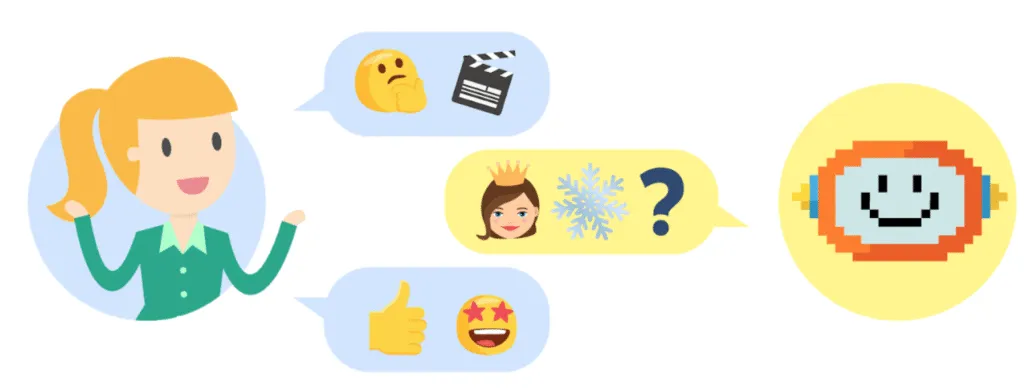
In instant messaging, emojis have become part of everyone’s vocabulary. Your ChatBot needs to do the same. Depending on whether you use them intensively or sparingly, emojis will also determine your ChatBot’s language level.
Tip: At Botnation, our natural language analysis algorithms include emojis. Feel free to use them as “keywords” to trigger a response. An emoji keyboard is also permanently available in your chatbot’s design interface, so you can easily copy/paste them into your texts.
4. A smart, efficient chatbot
There’s a tendency to overuse NLP/artificial intelligence. While it’s a powerful tool, it shouldn’t be abused. It’s best coupled with a well-designed tree structure.
Balance natural language and decision trees
Neither approach is better than the other. They each have their advantages. The ideal is a mix of both. The most effective approach is to start with a decision tree and gradually develop natural language learning.
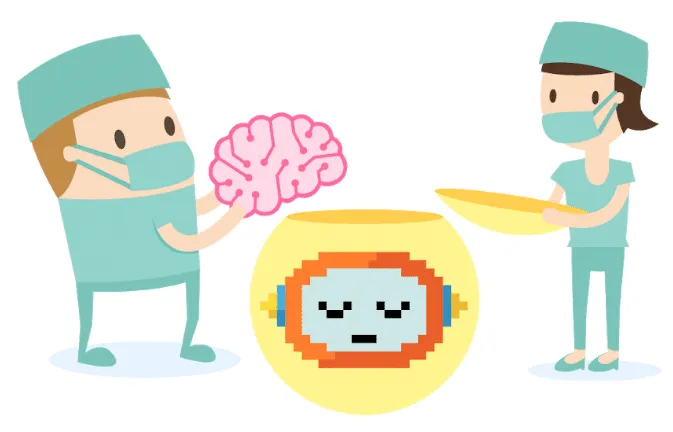
- The Decision Tree
It’s made up of menu-type interactions, buttons and quick responses. Funnel flow to the precise answer.
– Automated responses guide the user towards an objective
– Provides controlled communication
– Quick to set up
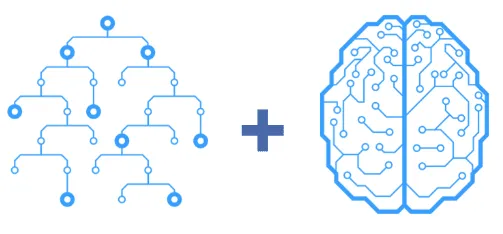
- Natural Language
It manages user interactions in natural language, with recognition of the user’s intentions via our NLP (Natural Language Processing) algorithms
– Gives the user a great deal of freedom
– Total conversational experience
– More personal link with the brand
On the Botnation chatbot creation platform, you can use both simultaneously and without limitation.
Plan alternatives to your ChatBot
When your ChatBot can’t answer a question, you need to offer your users alternative solutions: link to an online FAQ, phone number, conversational form or email via the ChatBot.
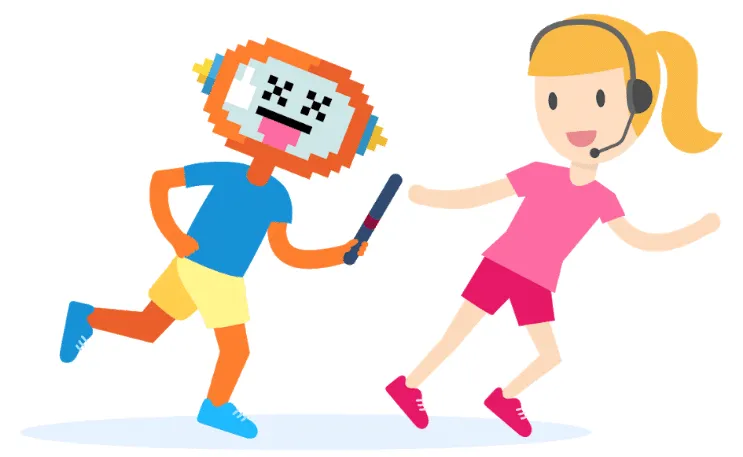
The ideal solution is “escalation to human“. That is, a person can take over from the ChatBot and continue the conversation with the user. This is particularly effective for customer service. The ChatBot will handle the 60% of recurring questions and hand over to advisors for sensitive or high value-added questions.
Tip: Configure your Botnation Chatbot so that it only escalates to the human when your advisors are available, and offers an alternative solution the rest of the time.
Don’t leave a dead end in your ChatBot
The user must always be able to interact and continue the discussion.
When designing your ChatBot, make sure that the ChatBot leads the conversation.

To flush out any dead ends, carry out as many internal tests as possible before publishing your chatbot on Facebook Messenger or your website. Don’t forget to include “Back” and “Menu” buttons at the end of responses.
Tip : Don’t rely solely on the Persistent Menu, as few users know how to use it.
Be consistent in ergonomics
The key here is to be consistent in your navigation mechanics. The basic rule is to place buttons with similar functions in the same order and with the same nomenclature. In this way, you’ll avoid a lot of misdirected users of your Chatbot.
Example: If I place a “YES” button on the left and a “NO” button on the right, the same order must be used throughout the bot. This should apply to all variants, such as “OK, CONFIRM, SAVE, etc.” on the left and “CANCEL, DELETE, etc.” on the right.
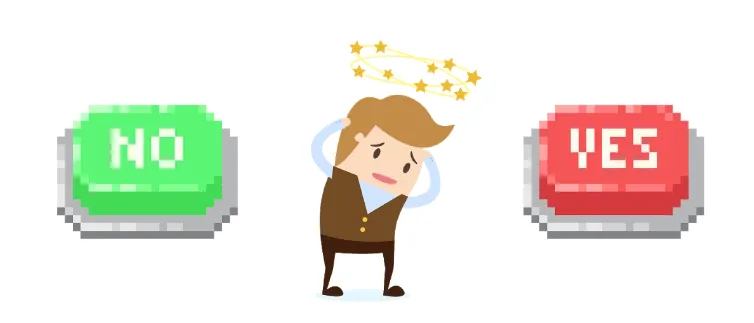
Tip: The use of emojis and icons helps to immediately identify the function of Buttons and Quick Answers.
Confirm email acquisition, subscription actions, etc.
It’s a question of transparency for the user. Think RGPD! This strengthens the relationship of trust with your ChatBot and therefore with your brand.
A notification to which the user has not voluntarily subscribed will be considered as spam.
Tip: Always include the option to unsubscribe from ChatBot notifications. In the persistent menu, for example.
Don’t ask for the same information several times
A robot is not supposed to have memory problems. Once the user has answered a question, don’t ask it a second time. Remember to store responses in chatbot variables once and for all.
Tip : When you ask a question, include alternative sequences in your bot when the user has already answered it.
5. Once the chatbot has been launched…
It’s not all over yet! The first few days of use will be crucial in checking that your chatbot is behaving properly. Misdirections can always happen, so you need to remain vigilant and correct your aim if necessary. Likewise, analyzing the statistics will enable you to improve your chatbot.
Avoid redundancy
The most common example is the default message when the ChatBot doesn’t understand the user. Most of the time ChatBots simply reply in a loop “Sorry, I don’t understand.” Nothing could be more frustrating for a user.
In this case, the first thing to do is to include variations in the answers (EX: “I’m not sure I understand”, “I’m only a ChatBot, I can’t know everything”, etc.). I’m only a ChatBot, I can’t know everything”, etc.).
The second is to offer an alternative when the ChatBot really can’t answer a question… You can, for example, configure your Botnation Chatbot so that after the 3rd error message, it explains its scope of action again, and offers options in the form of buttons (return to menu, help section, contact us…).
Tip : The Chatbot can also suggest contacting a physical person in chat(escalation to human).
Plan for the return of a user
When a user returns to your ChatBot, it’s important that they don’t repeat the same process as the first time.
He already knows your Bot, so there’s no need to explain it all over again. Just get to the point. Take advantage of the information gleaned from his previous visits to feed him personalized content.
Tip: You can change the greeting for this occasion (e.g. “Nice to see you again X! What can I do for you this time?”).
Manage common off-topic questions and messages
Think back to the first time you used Siri. You probably asked a bunch of incongruous questions to see how she would react. Tell yourself that your users are going to do the same with your ChatBot.
For a truly user-friendly experience, you owe it to yourself to answer them. This is the perfect opportunity to give your ChatBot some personality.
Don’t lose sight of the image you want to convey. If you’re making a Banking ChatBot, it may not need to tell jokes to amuse the user. A simple “Sorry, but I’m a strictly professional ChatBot. How about we get back to more serious matters?” will do the trick. The important thing is to respond.
Tip: Your ChatBot will receive insults – unfortunately, this is unavoidable. Choose to ignore them rather than respond. Even with humor, this tends to encourage this type of user.
Multiply KPIs and user data
It’s vital to know your users and how they use your ChatBot. To do this, integrate as many variables as possible into your ChatBot, whose value will change according to your users’ behavior and choices (e.g. Variable “Centre_interet” -> Value “Sport” or Variable “Passage_Rubrique_Tarifs” -> Value “Yes”).
We advise you to configure your statistics in the dedicated tab, by adding tracking tags and creating conversion funnels.
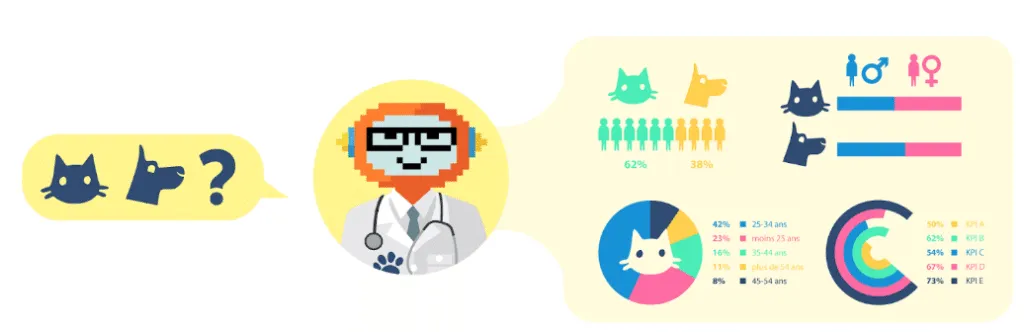
Tip: Export your chatbot’s user data to Google Sheets and benefit from the power of this spreadsheet to analyze it.
Use notifications in a targeted way
Used properly, your ChatBot’s notifications can become a surgical targeting marketing tool. There are several types of notification: one-off (at such and such a time, on such and such a day), periodic (every X days at such and such a time) and follow-up (triggered after X amount of inactivity).
Thanks to the data you’ve accumulated on your users, you’ll be able to target them precisely and send them highly personalized messages, considerably increasing their chances of being read.
Tip: In an e-commerce ChatBot, use a “shopping cart abandoned” notification when the user has selected a product but hasn’t gone any further in the conversation.
Accompany your ChatBot in its learning process
A ChatBot is never finished. Once it’s been published, the learning curve begins.
It’s important to monitor how your users use it. It is only on the basis of this data that you can correct/educate the ChatBot.
The vocabulary used by your users will undoubtedly be very different from what you had planned. So you’ll need to constantly teach your ChatBot new expressions.
Tip: Botnation offers A/B testing of all your ChatBot content. We even have an automatic optimization tool. We also have a keyword recommendation engine.
Conclusion
A chatbot, more than any other, doesn’t forgive a bad first impression. Even if you add buttons and videos, it’s still a conversation. And the fluidity of that conversation is essential.
This list of tips is not intended to be exhaustive, but if you follow them, you’ll avoid many pitfalls.