In short: a standard contact form converts 2% to 5% of your visitors on average; a well-designed lead generation chatbot often reaches 15% to 30%. There is nothing magic about it: the chatbot answers instantly, removes friction, and gives value before it asks for contact details.
But this is not “chatbot against form”: the real winner is the conversational approach that captures the bulk of your traffic, with the form kept as a safety net for formal requests. With Botnation, you can build that kind of chatbot in a few minutes, without writing code.
Your contact form has been live for years. It does its job: it collects a name and an email address. The problem is everything it lets slip away. On average, nearly two out of three online forms are abandoned before they are submitted, and the ones that do come through say almost nothing: “Hi, I’d like some information.”
The chatbot does the opposite: it opens the conversation at the right moment, answers in real time, then collects contact details inside a natural exchange. On paper, it converts three to five times better. But is that true everywhere, all the time? This article compares the two tools on the criteria that matter (conversion rate, lead quality, cost, experience) with numbers and studies to back it up, without taking sides, and gives you a calculator to estimate what you are leaving on the table.
Chatbot vs form: the comparison at a glance
Before the details, here is the full matchup. Keep one thing in mind: the form is passive (it waits for the visitor to come to it), the chatbot is active (it goes to the visitor, helps, then qualifies).
| Criterion | Contact form | Lead generation chatbot |
|---|---|---|
| Average conversion rate | 2% to 5% | 15% to 30% (vendor-reported) |
| Friction for the visitor | High: find the page, fill in fields, wait | Low: they ask, they get an answer |
| Response time | Hours to days (handled by a human) | Instant, < 3 seconds, 24/7 |
| What you collect | Name, email, often a vague message | Need, budget, timeline, context + contact details |
| Qualification | Left for later, on a call | Built in: the lead arrives pre-qualified |
| Personalization | Static: the same for everyone | Dynamic: adapts to the page and to the answers |
| Setup | A few minutes | A few minutes to an hour (no-code) |
| Monthly cost | Often free (built into the site) | Free to about €59/month depending on your needs |
| GDPR | Consent + disclosure required | Consent + disclosure required (identical) |
| Best for | Formal requests, attachments, job applications | Capturing and qualifying the bulk of your traffic |
What the numbers actually say
Form conversion rates are well documented. Chatbot rates are less so, and they often come from the vendors themselves, so we present them as ballpark figures, not as universal truths.
The form: a known floor
According to Unbounce’s Conversion Benchmark Report (more than 41,000 pages analyzed), a lead capture page converts at a median of around 6% across all industries. Plain contact forms sit lower, between 2% and 5%: out of 1,000 visitors, you collect 20 to 50 contacts and lose the other 950.
Two factors drag that number down, and both have been measured:
- Length. Every extra field pushes the completion rate down. According to HubSpot, cutting a form back to roughly three fields converts clearly better than a long one.
- Response time. Once the form is sent, the visitor waits. Yet the Harvard Business Review (“The Short Life of Online Sales Leads”) measured an average response time to web leads of 42 hours, and found that 23% of companies never respond at all. Meanwhile, the prospect has gone shopping elsewhere.
A landmark study from MIT / InsideSales (Dr. James Oldroyd) put a number on it: contacting a lead within 5 minutes rather than at 30 minutes makes you 21 times more likely to qualify it, and 100 times more likely to reach it. A form answered “within 48 hours” starts with a massive handicap.
The chatbot: why it climbs higher
Chatbots post clearly higher rates. A Glassix study measures a 23% conversion lift on sites running an AI chatbot; lead generation vendors routinely report rates of 15% to 30% on the same traffic. Three mechanisms explain the gap:
- The answer is instant. The visitor gets a reply in seconds, at any hour. No more “we’ll get back to you.”
- Value comes before the ask. The chatbot answers first and asks for contact details second. That’s reciprocity: you give before you receive.
- Collection is progressive. Information is gathered along the way, not in a wall of fields. The visitor never feels like they’re filling anything in.
The 15% to 30% quoted by vendors are favorable ballpark figures, obtained with a well-designed, genuinely relevant chatbot. A badly tuned bot that answers off target does worse than a good form. Design quality decides everything.
Why does a chatbot (often) convert better?
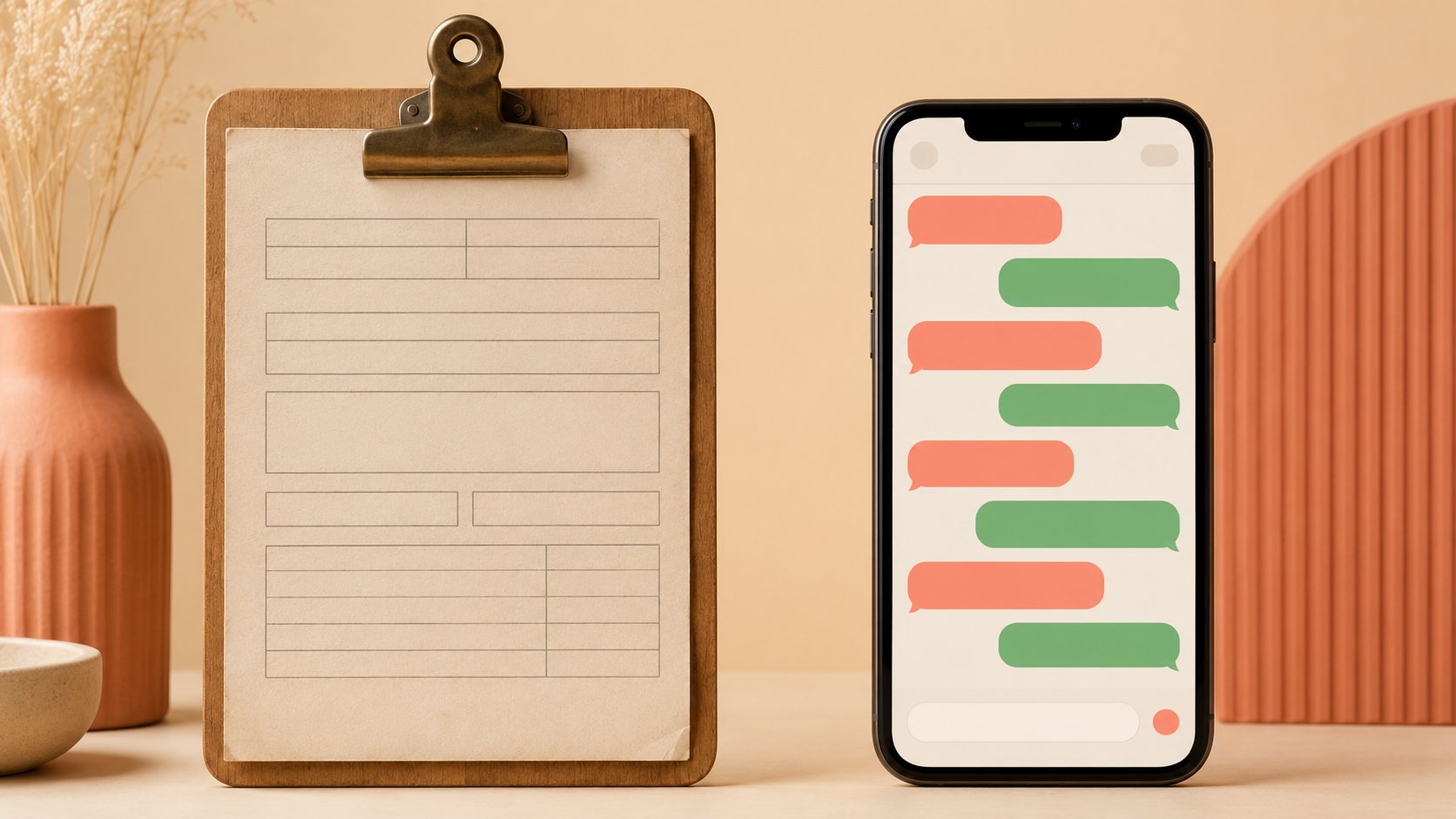
The two journeys side by side say it all. A form asks the visitor to give before they receive. The chatbot flips that logic.
The same visitor, two journeys
Before / after
A prospect lands on your page with a real question in mind. Here is what happens depending on the tool you hand them.
That difference in friction and timing is exactly what the studies above measure: fewer steps, an immediate answer, and an exchange that means something to the visitor.
How many leads does your form let slip away?
Enough general averages: run the numbers on your traffic. Move the sliders below to estimate the leads you would gain by going from a form alone to a conversational journey.
Estimate the leads you could gain
An indicative simulation based on your own numbers. Nothing is sent or stored.
Roughly €1 350 000 of extra pipeline per year, at a constant lead value.
The calculation assumes a well-designed, relevant chatbot. Start from a conservative assumption (12% to 15%) for a first bot, then adjust with your real data after 30 days. Even if you cut the gap in half, the gain stays significant almost every time.
When the form is still the better choice
The chatbot is not a magic wand, and replacing forms everywhere would be a mistake. In several situations a simple form does better, because it is clearer, faster, and more reassuring:
The form wins when…
- You need to attach files (job application, project brief, complex quote).
- The request is formal or legal and needs a written record.
- The goal is dead simple: a one-field newsletter signup.
- Your audience prefers writing, asynchronously and in detail.
The chatbot wins when…
- You want to capture and qualify as many visitors as possible.
- Prospects have questions before they make up their mind.
- Requests come in outside business hours (real estate, ecommerce).
- You have no team ready to call every lead back fast.
Lead quality: the real gap
Lead volume is not the whole story. A form can bring in 50 contacts with only 5 worth working; a chatbot can bring in 150 with 80 qualified. The difference shows up in what your sales rep receives.
| Aspect | “Form” lead | “Chatbot” lead |
|---|---|---|
| Information received | Name + email + vague message | Precise need, budget, timeline, context |
| Prep before the call | Everything to uncover on the phone | A file already filled in |
| Memory of the exchange | Weak: the prospect has forgotten | Strong: recent and useful interaction |
| Speed to conversion | Slow, a cycle of calls | 2 to 3 times faster |
In other words, the chatbot does not just bring in more leads: it saves sales time. A lead that arrives with a clear need, a budget, and a timeline is handled in minutes, where a bare “name + email” forces a discovery call. That is also what makes a customer support assistant valuable: it sorts and qualifies before a human ever steps in.

The real answer: combine the two
Framing it as “chatbot OR form” is a false debate. The best setups use both, each in its place. That is where a fast-growing format comes from: the conversational form.
Conversational form: a questionnaire presented as a conversation. Instead of showing every field at once, it asks the questions one by one, adapts to the answers, and feels like an exchange rather than a chore. It is the perfect bridge between the form and the chatbot.
The winning setup is simple:
- The chatbot on the front line: it engages, answers, qualifies, and collects hot leads, 24/7.
- The form as a safety net: keep a “Contact us” link for formal requests, attachments, or visitors who prefer writing.
You lose nothing: the chatbot captures the visitors who would never have filled in a form, and the form stays available for the ones who prefer it.
Build a lead generation chatbot in a few minutes
Good news: building that kind of chatbot no longer takes a developer or a heavy budget. With a no-code platform like Botnation, the AI does most of the work. Here is the typical path:
- Describe your goal State what your business does and what you want (book appointments, qualify quote requests, capture signups). The AI generates a first conversation flow, ready to use.
- Feed the FAQ with your data Import your documents, your website, or a question and answer file to train the chatbot on your own data. It then answers from your real information, which is the whole point of the AI-powered FAQ: fewer wrong answers.
- Set up the capture path Choose when and how to ask for contact details, which information to qualify (need, budget, timeline), and where to send the leads (email, CRM).
- Deploy it everywhere Publish the chatbot on your site with a single line, or on WhatsApp, Messenger, and Instagram to catch visitors where they already are.
- Measure and optimize Track conversations and conversion rate, fix the questions that stall people, and improve the flow as real data comes in.

Start small: a chatbot that answers your five most common questions well and offers to take a contact already beats a form on its own by a wide margin. You can enrich it later. A free plan lets you test without a credit card; see the pricing.
FAQ
Does a chatbot really convert better than a form?
In most lead generation cases, yes: the instant answer and the drop in friction explain rates several times higher (2% to 5% for a form, 15% to 30% reported for a well-designed chatbot). But it all depends on the quality of the bot. The only reliable judge is an A/B test on your own site over 30 days.
Won’t a chatbot annoy my visitors?
What annoys people is rigid chatbots that answer off target. A chatbot trained on your content, that answers correctly and offers a human when it doesn’t know, is a very different experience. The frustration comes from a lack of relevance, not from the conversational format.
Should I remove my contact form?
No. Keep it as a safety net for formal requests, attachments, and visitors who prefer writing. The point is not to replace anything, but to add a conversational channel that captures the 95% of visitors who would never fill in a form.
Is a chatbot GDPR compliant like a form?
The obligations are identical: clear disclosure, consent collection, right of access and deletion. A properly configured chatbot complies with GDPR exactly like a form. Choose a vendor that hosts data in Europe and offers the right consent tools.
How do I know which one converts better on my site?
Install the chatbot and keep the form accessible. After 30 days, compare three numbers: leads per channel, the conversion rate to customer, and sales time per lead. The answer will be in your own data, not in an average.
How much does a lead generation chatbot cost?
There are free plans to start with, then paid tiers from a few dozen euros a month depending on volume and features (AI, channels, integrations). Measured against the qualified leads you gain, the cost per lead usually lands well below that of a form followed by qualification calls.
Move from form to conversation
Build a lead generation chatbot powered by your own AI, scripted or FAQ-based, and capture the visitors your form lets walk away, in a few minutes, without writing code.