Today, it is no longer possible for a competitive company to negotiate its presence on the Internet. Far from being a simple choice, designing a website for your brand or company is a necessity. What’s more, you also need to establish an effective communications policy to impact your visitors and attract new customers. You’ll agree that responding to thousands of messages a day with almost similar queries can be quite tedious and time-consuming. That’s why it’s so important to automate online responses through a conversational device. Chatbots are increasingly popular tools for mass web discussions. You can create a chatbot for free, without even having to resort to complex coding techniques. Here are the main steps for setting up this free conversational device.
Understanding how chatbots work
Before creating a chatbot for free, you need to understand what the tool is and learn more about how it works. To define a chatbot, simply think of it as a chat robot. It is automated to conduct discussions with your customers and potential visitors to your website. It’s important to note that chatbots can be accessed via different browsers. In addition to your WordPress or other CMS websites, you can also use a chatbot on your Facebook pages. In this case, you’ll need to use Messenger for the tool to work properly. On other social networks like WhatsApp, you can also set up a chatbot.
In terms of how they work, chatbots allow you to configure answers to the most common questions asked by customers visiting your blog. Automating these often tedious tasks will save your company time and make it more operational. Chatbots, especially those created in WordPress, for Messenger or other social networks, are permanently functional. This means that your website visitors can use it 24/7.
Setting up a robot cat may require a budget, but it is not mandatory. There are simple and powerful tools that make it possible to acquire this chatbot for free.
How to create a chatbot for free?
Just like Siri or Google Assistant, the chatbot will respond automatically but intelligently to your customers. This technology has been around for several years and has helped many companies improve the quality of their service and reach as many potential customers as possible.
If you are interested in creating a free chatbot, we will show you the steps to follow to create one for free.
To create a free chatbot, the first step is to choose a good plugin. The list of available plugins is now long. However, not all of these devices are necessarily advisable.
Botnation is a chatbot service that works for you 24 hours a day, 7 days a week, even when your staff are away or on holiday. Simply configure it once when you first start using it, and you won’t need to reconfigure it again.
It is used by more than 500 companies. The advantage is that it converses intelligently and in a personalised manner, rather than sending automated, identical, and simplistic responses. It responds to your customers, but it can also provide support and book appointments, all while adding a human touch.
Botnation also allows you to have your first chatbot up and running in minutes, using a free template, and its administration panel is quite simple to use.
Once you have chosen a model, you need to move on to configuration, starting by setting up a mission for the chatbot, such as managing orders, answering customer questions, helping with candidate recruitment, etc.
It is best to give your chatbot a single task at first so as not to confuse it.
Next, you need to give the bot examples of conversation scenarios. For example, if its main task is to make appointments, it must learn to check availability on the calendar using connectors such as Zapier or Integromat, send reminders via message or notification, understand the subject of the appointment, etc.
To make your bot seem friendly, you will need to personalise it by giving it its own character, with a name, an avatar and a way of expressing itself that is appropriate for the work it does, whether formal or informal.
You can hire a designer to create a design that suits your field, because although we don’t often take it seriously, it’s the little details that matter.
After doing all this, you need to write the content of the conversations. For example, if you need to remind the customer about their appointment the day before, you would say: ‘Hello Mathilde, you have an appointment with Romain tomorrow at 2:15 pm. Have a nice day!’
Once the chatbot has been created for free, it needs to be tested to see if there are any gaps or issues that need to be addressed.
Create a WordPress chatbot for free: choosing the right plugin
To create a free chatbot, the first step is to choose a good plugin. The list of available plugins is now long. However, not all of these devices are necessarily advisable.
By definition, a plugin is an extension module that can be grafted to another software to take advantage of the functionalities of the latter tool. It is also known as a plug-in, plug-in module or plugin. In this case, you should prioritize a free plugin first to save on your budget. Second, the plugin must be easy to use and accessible.
Among the most highly rated plugins, Botnation ranks high. Unlike competing plugins, this plug-in is as easy to use as possible. So you can create your free chatbot with this device in just a few minutes. The tool is designed to be easy to use for even the smallest beginner in coding systems. You don’t need any special computer skills to experiment with this artificial intelligence.
On the other hand, Botnation offers an intuitive interface for setting up your free chatbot. Of course, the free version offers features that are equally valuable for large companies and SMEs. However, you also have the option of taking advantage of more scalable features with the paid version of this plug-in. You’ll be able to automate a live chat for visitors to your website.
Botnation guides you step by step through the process of creating your free chatbot for your WordPress blogs, social networks, e-commerce platforms, and other types of websites. This plugin also allows you to customise the device you create for smoother use. Better still, there are numerous tools available on the site to evaluate your chatbot’s performance in real time.
Botnation is therefore a comprehensive plugin. It offers businesses rigorous monitoring for the creation of chatbots, as well as for their management and improvement where necessary.
Follow the creation process
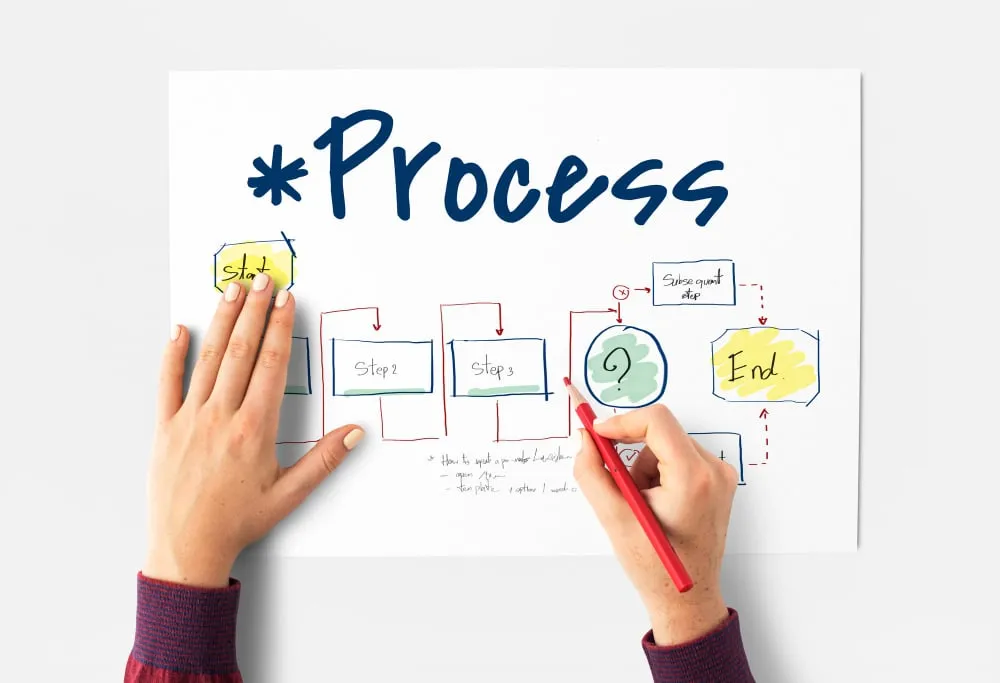
You’ll find predefined templates on Botnation. You can use them as inspiration to design your own chatbot. In particular, for a WordPress site, you’ll be able to create your own chatbot in no time. The templates available on Botnation can be customized to suit your website’s specific needs.
The second way to create a free chatbot on Botnation is to follow the tutorials available on the page. Indeed, the platform provides the user with tutorials to guide you through all the steps of creating your free chatbot. For self-taught people, this is the best way to create a free online chatbot.
There are, however, a few mistakes you should avoid when setting up your device. These are pitfalls that could affect your device and make it less effective. For example, to be more effective, choose suggested questions to submit to your visitors. All they have to do is click to trigger an answer from the robot. This is important, because if you leave the field wide open to visitors to your page, you’ll have an infinite number of queries. There will be as many as there areusers. The chatbot’s configuration won’t be able to take all these search intentions into account, so it won’t perform very well.
Concevoir un chatbot gratuit sur Facebook Messenger sans coder
Designing a free, no-code chatbot with Botnation is relatively easy. The platform provides you with numerous pre-configured templates to simplify the creation of your conversational bot. To do so, before setting up the chatbot, a preliminary action must be taken. This involves choosing the medium on which the chatbot is to be integrated. As mentioned above, the chatbot must be given a purpose . The choice of substrate depends on the objective defined at the outset.
Once you have chosen a template, you can customise the chat using the visual editor that appears. The customisations that can be made relate to, among other things: adapting the tone, vocabulary, questions and answers. In addition, for those with some experience, it is possible to create a chat without first using a template.
On the other hand, you’ll want to keep a close eye on your chatbot’s performance indicators once it’s been created. These can be obtained by surveying the users of your chatbot. In terms of frequency, conduct this performance review at least once a month