In short. A chatbot is software that holds a conversation with a human in natural language, by text or by voice. There are two main families: rule-based chatbots (which follow a script) and AI chatbots (which understand your questions through natural language processing and large language models).
Companies use them to answer customers around the clock, qualify leads, automate support or guide a purchase. And today you can build one without writing code, in a few hours.
You have almost certainly talked to a chatbot already: on an online store, inside a banking app, on WhatsApp or through ChatGPT. The word is everywhere, yet the definition stays fuzzy for most people. This guide sets it straight: what a chatbot actually is, how it works, the different types, how it compares to ChatGPT, and how to build one yourself.
What is a chatbot? Definition and meaning
A chatbot is a computer program built to simulate a conversation with a human being. You write to it (or speak to it) the way you would to a person, and it answers in natural language. The word joins chat and bot, short for robot: literally, a robot you can chat with.
A chatbot is a conversational interface: it receives a message (text or voice), works out what it means, then returns an answer or triggers an action. Not every chatbot runs on artificial intelligence. Plenty of them simply follow a preprogrammed script.
Chatbot, chatterbot, conversational agent: the words behind it
The idea is older than the word. In 1966, Joseph Weizenbaum built ELIZA at MIT, the program still credited as the first chatbot, but the label came almost thirty years later: researcher Michael Mauldin coined “chatterbot” in 1994 for Julia, a program that chatted with players inside an online game. Business software also uses “conversational agent”, “virtual agent” and “virtual assistant” as near synonyms. Strictly speaking, a virtual assistant like Siri or Alexa spans many domains and usually listens, while a chatbot answers within a defined scope. In everyday use, “chatbot” is the word people actually type, so it is the one we use here.
How does a chatbot work, step by step?
The principle never changes: understand a request, then answer it. What changes is the sophistication of each stage. Here is the journey of a message inside a modern AI chatbot:
- The message comes in You type a question or tap a button. The chatbot picks up that input, whatever the channel: website, app, messaging.
- Understanding (NLU) Through natural language understanding, the bot identifies your intent and the useful details, even with a typo or an unexpected phrasing.
- Finding the answer It looks the information up: in a predefined script, in a knowledge base, or through a large language model (LLM) fed with your own content.
- Generating the reply The chatbot writes an answer in natural language and, if it has the capability, performs an action: booking an appointment, opening a ticket, handing the case to an agent.
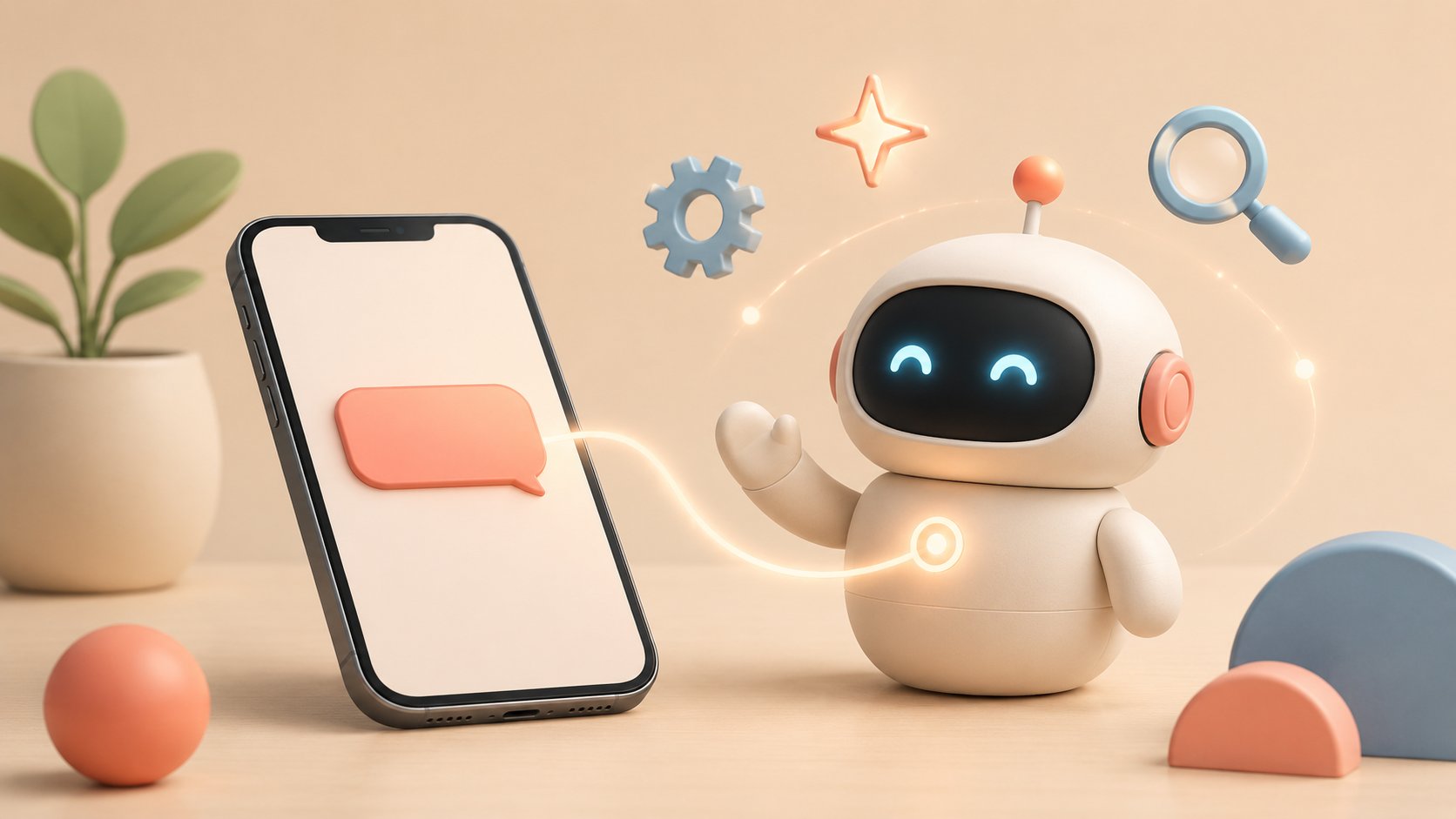
NLP, NLU, LLM: what are we talking about? NLP (natural language processing) is the overall field; NLU is its comprehension side; an LLM (large language model, like the ones behind ChatGPT) is the engine that lets recent chatbots understand and write far more nuanced answers.
Types of chatbots: rule-based, AI, and AI agents
Two big families exist, plus a more recent category, the AI agent. Knowing the difference keeps you from paying for AI where a script would do, or the other way around.
| Type | How it works | Best for | Limitation |
|---|---|---|---|
| Rule-based chatbot | Follows a decision tree: buttons, keywords, prewritten answers | FAQs, simple journeys, lead qualification | Cannot handle questions it did not expect |
| AI chatbot | Understands natural language (NLU plus LLM), draws on your data | Rich customer support, personalized answers | Needs guardrails to avoid off-topic replies |
| AI agent | Understands and acts: chains tasks, calls tools | Complex end-to-end processes | Harder to design and to supervise |
The border is porous: the best business chatbots today are hybrid. They keep a controlled script for sensitive journeys and call on AI to interpret open questions and pull answers from a knowledge base. To dig into the gap between answering and acting, read our take on the chatbot as a conversational agent.
Try a chatbot right now
Rather than a long explanation, try one. Here is a sample mini chatbot: ask it a question about chatbots, or click a suggestion. It runs on keyword matching, a good illustration of a simple chatbot with no AI behind it.
Demo chatbot
A scripted example, running right inside this page. Nothing is sent anywhere: everything happens in your browser.
This bot follows plain keywords. An AI chatbot would understand full sentences and many different phrasings.
Chatbot vs ChatGPT: what is the difference?
It has been the most common mix-up since 2023. The short answer: ChatGPT is a chatbot. More precisely, it is a general purpose AI chatbot, powered by a large language model and trained to converse about almost anything.
A business chatbot has a different job. It is specialized: connected to your data (catalog, FAQ, customer base), scoped to your topics, and embedded in your channels. It does not talk about everything. It answers accurately, inside your perimeter, without making things up.
ChatGPT (general purpose chatbot)
- Can discuss almost anything
- General knowledge, not your data
- Can hallucinate on your specifics
- Great for writing, brainstorming, learning
Business chatbot
- Specialized in your business
- Connected to your content and tools
- Scoped to stay reliable and on topic
- Great for support, sales and HR
Good news: the two worlds are converging. A modern chatbot can borrow the power of a ChatGPT class LLM while staying anchored to your data, through a technique called RAG (retrieval augmented generation). You get the fluency of ChatGPT without the guesswork.
What are chatbots used for?
A chatbot answers instantly, at any hour, to an unlimited number of people at the same time. That opens up very concrete uses:
- Customer support 24/7: answering frequent questions, opening tickets, handing over to a human when it matters.
- Sales and ecommerce: recommending a product, reassuring the buyer before checkout, cutting cart abandonment.
- Lead generation: engaging the visitor, qualifying the need, collecting contact details.
- Human resources: answering employees (time off, payroll, onboarding) without tying up the HR team.
- Appointment booking: offering open slots and reserving them automatically.
The list is far from exhaustive. Explore other chatbot uses by industry. For companies, the stake is economic too: 85% of customer service leaders planned to explore or deploy a generative AI chatbot in 2025 (Gartner).
Chatbot examples: who actually uses them
Chatbots are not reserved for tech giants. Very different organizations, from national operators to local government, rely on them every day:
SNCF
France’s national rail operator uses a chatbot to point travelers in the right direction, answer recurring questions and take pressure off customer service at peak times.
Département du Var
A French regional authority uses a chatbot to answer residents and smooth their access to public services.
Ecommerce
An online retailer recommends products, tracks orders and answers pre-sales questions.
Travel & HR
Tourist boards and HR departments automate the answers to their most frequent questions.

Want to see a real case? Read this customer service chatbot example, or the rollout of the Département du Var chatbot.
Chatbot benefits and limitations
A chatbot is not magic: well designed, it saves precious time; badly scoped, it frustrates. The panels below sum up the essentials.
Benefits
- Available 24/7, with no queue
- Handles an unlimited volume of requests in parallel
- Cuts costs on repetitive tasks
- Consistent, instant answers
- Frees the team up for complex cases
Limitations to know
- A rule-based bot cannot handle the unexpected
- A poorly scoped AI chatbot can hallucinate
- Sensitive data calls for care around privacy
- A handover to a human stays essential
Trying to automate everything. A good chatbot knows when to hand over. Always plan an exit route toward a human agent: that is what separates a useful chatbot from a frustrating answering machine.
How to create a chatbot (without coding)
Good news: you no longer need to be a developer. No-code platforms let you build a chatbot visually, by assembling blocks. Here is the usual path:
- Set the goal Support, sales, appointment booking. A clear goal drives everything that follows.
- Map the key questions List what your users ask most often: that is the raw material of the chatbot.
- Build the script In a visual editor, chain messages, buttons and conditions. Not a single line of code.
- Connect the AI to your content Link your FAQ or your knowledge base so the bot can answer open questions.
- Test, publish, improve Ship it on your website or your messaging apps, watch the real conversations, adjust.
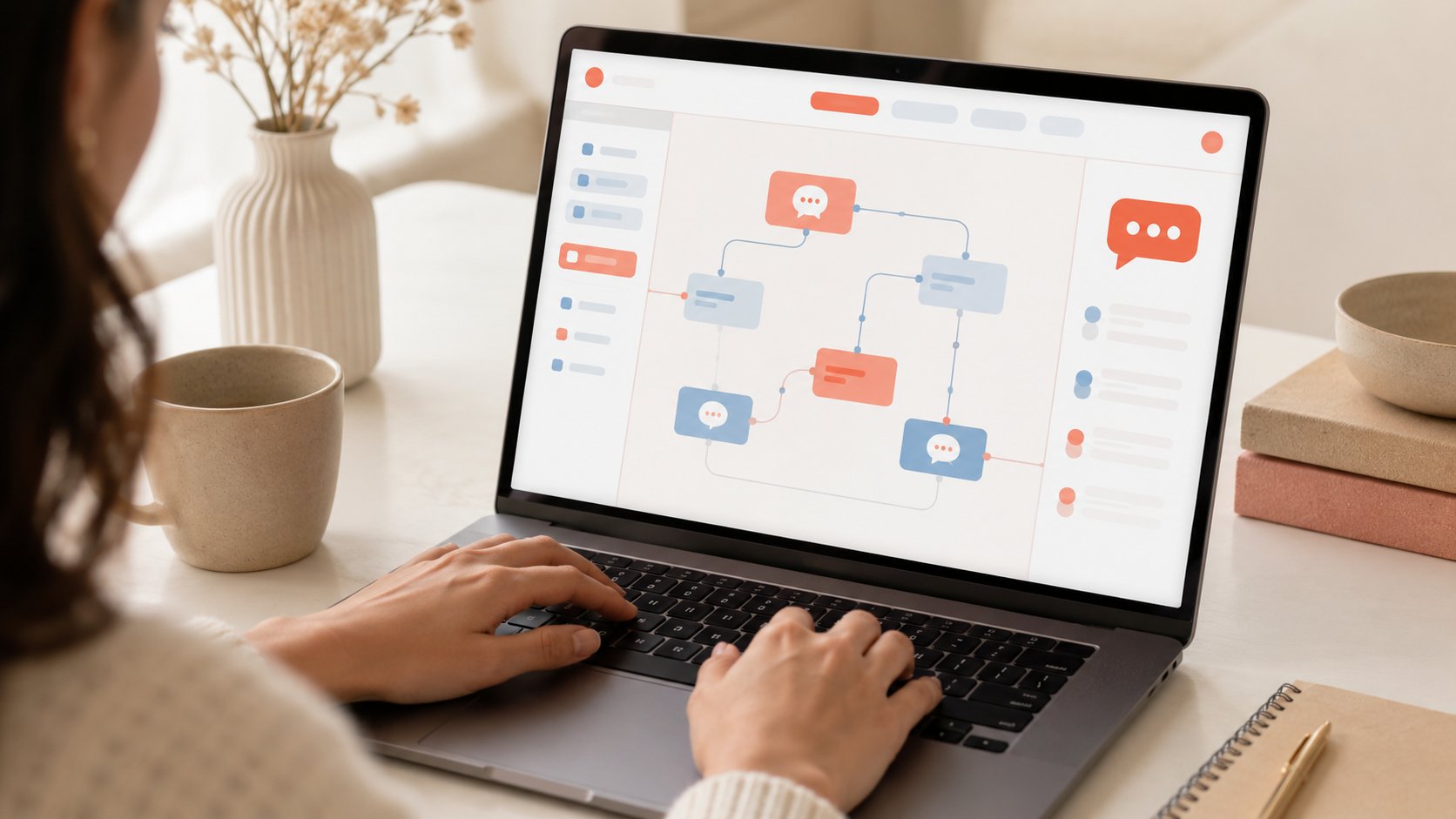
The same chatbot then ships across several channels: your website, but also WhatsApp, Messenger or Instagram. And starting with no budget is possible: see the options for a free chatbot.
Build your chatbot, for free
Botnation is the French no-code platform for building an AI chatbot and publishing it on your website, WhatsApp or Messenger, without writing a line of code.
Frequently asked questions
What is a chatbot in simple terms?
It is software you talk to the way you would talk to a person. You ask a question in writing (or out loud), it answers. Some follow a fixed script, others understand your sentences thanks to artificial intelligence.
What is the difference between a chatbot and ChatGPT?
ChatGPT is a chatbot, a general purpose AI chatbot that can discuss anything but knows nothing about your data. A business chatbot is specialized: connected to your content, scoped to your topics and embedded in your channels, so it answers accurately without inventing.
What is the difference between a chatbot and a virtual assistant?
The two overlap. A chatbot answers within a defined scope, usually in writing, on a website or a messaging app. A virtual assistant such as Siri or Alexa is broader, often voice first, and spans many domains. In business software, “conversational agent” and “virtual agent” are used as synonyms of chatbot.
What is an AI chatbot?
It is a chatbot that relies on artificial intelligence, natural language processing and large language models, to understand freely worded questions and generate suitable answers, where a rule-based chatbot sticks to a predefined script.
Are chatbots free?
You can start for free. Platforms like Botnation offer a free plan to build and test a chatbot, then paid plans that scale with your conversation volume and the features you need.
Do you need to know how to code to build a chatbot?
No. No-code platforms let you build a chatbot visually, by assembling blocks, with no technical skills at all. You can publish one on your website or your messaging apps within a few hours.
Key takeaways
A chatbot is software that converses in natural language. Rule-based versions follow a script; AI versions understand your questions and draw on your data. Designed well, thorough on your topics, properly scoped, with a human handover, it answers instantly, around the clock, and saves your team a considerable amount of time. And today you can build one yourself, without coding.
Sources: Gartner (2024 and 2025 releases on customer service and conversational AI); Michael Mauldin, “ChatterBots, TinyMuds, and the Turing Test” (AAAI, 1994) for the origin of the term.